Multifunction Loss Tester 25
Setting Autonaming Scheme
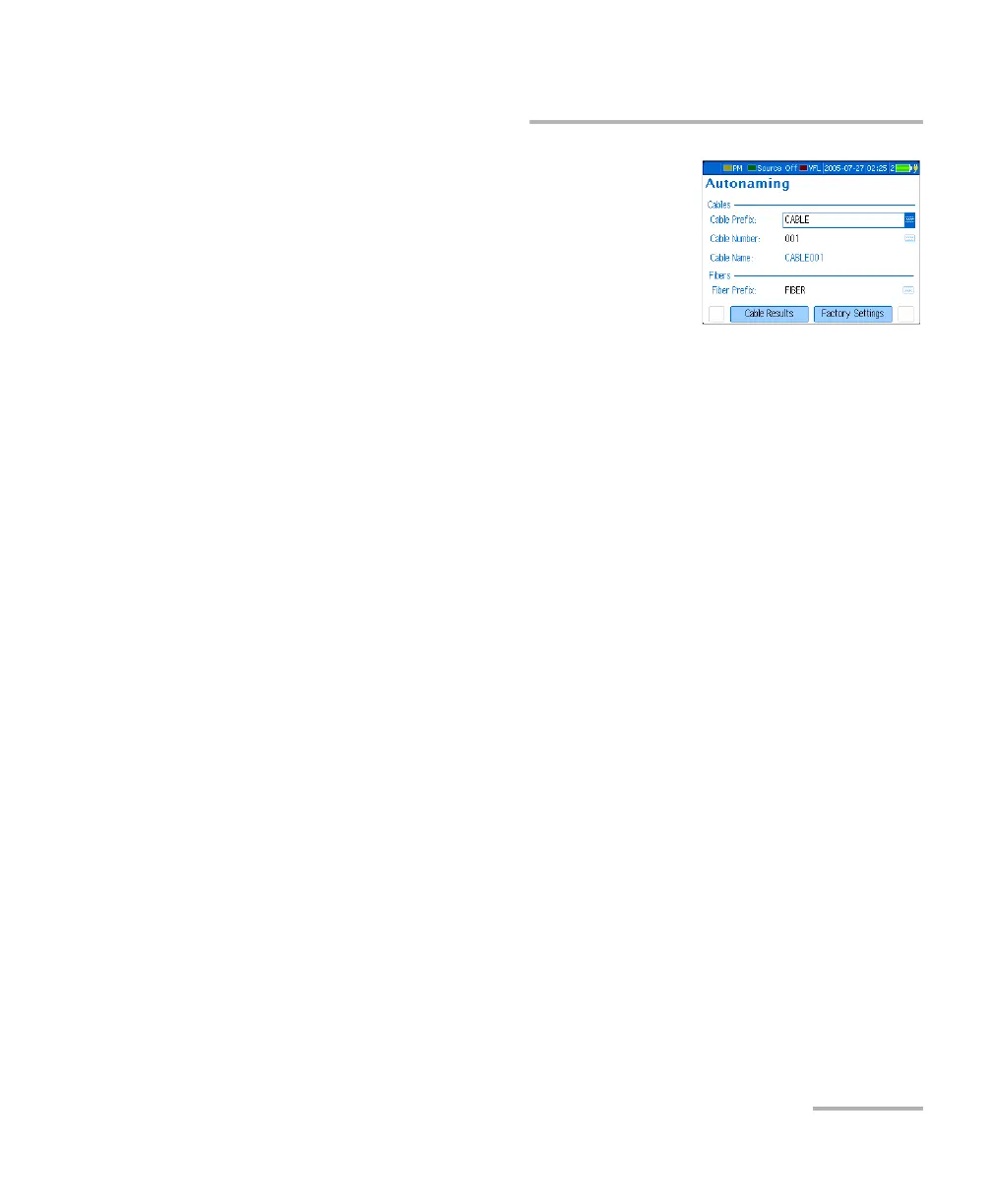
To set the autonaming scheme:
1. Press Menu, then select Setup > Data
Autonaming.
2. Use the arrows to select the cable prefix,
cable number or fiber prefix.
3. Press Enter to display the on-screen
keyboard (for details about using keyboards, see Using Menus and
Keypad on page 14).
4. Set the name/value, then press OK (F1/F2 key) to hide the keyboard.
To revert to the factory-default autonaming scheme:
1. Press Menu, then select Setup > Data Autonaming.
2. Press Factory Settings (F1/F2 key).












 To Next Page