Using a Light Source
60 FOT-930
Only one source/wavelength may be active at a time. The active port
(SM or MM) is indicated in the Source pane.
The source status is indicated with a LED in the status bar and with the
Active indicator under the keypad.
Note: The Active indicator always shows the source, VFL, ORL meter or talk set
port status (even in FIP or idle mode).
To activate a light source:
1. Connect the fiber under test to the source port (see Cleaning and
Connecting Optical Fibers on page 22).
2. Press Menu, then select Source/VFL > Source (units with a VFL) or
Source (units with no VFL).
3. Press Wavelength (F1/F2 key) to activate each available source in turn.
OR
Use the arrows to open the wavelength/status list and select the
desired wavelength.
To deactivate a light source:
Press Wavelength (F1/F2 key) until you get past the last source. The list
displays Off.
OR
Use the arrows to open the wavelength list and select Off.
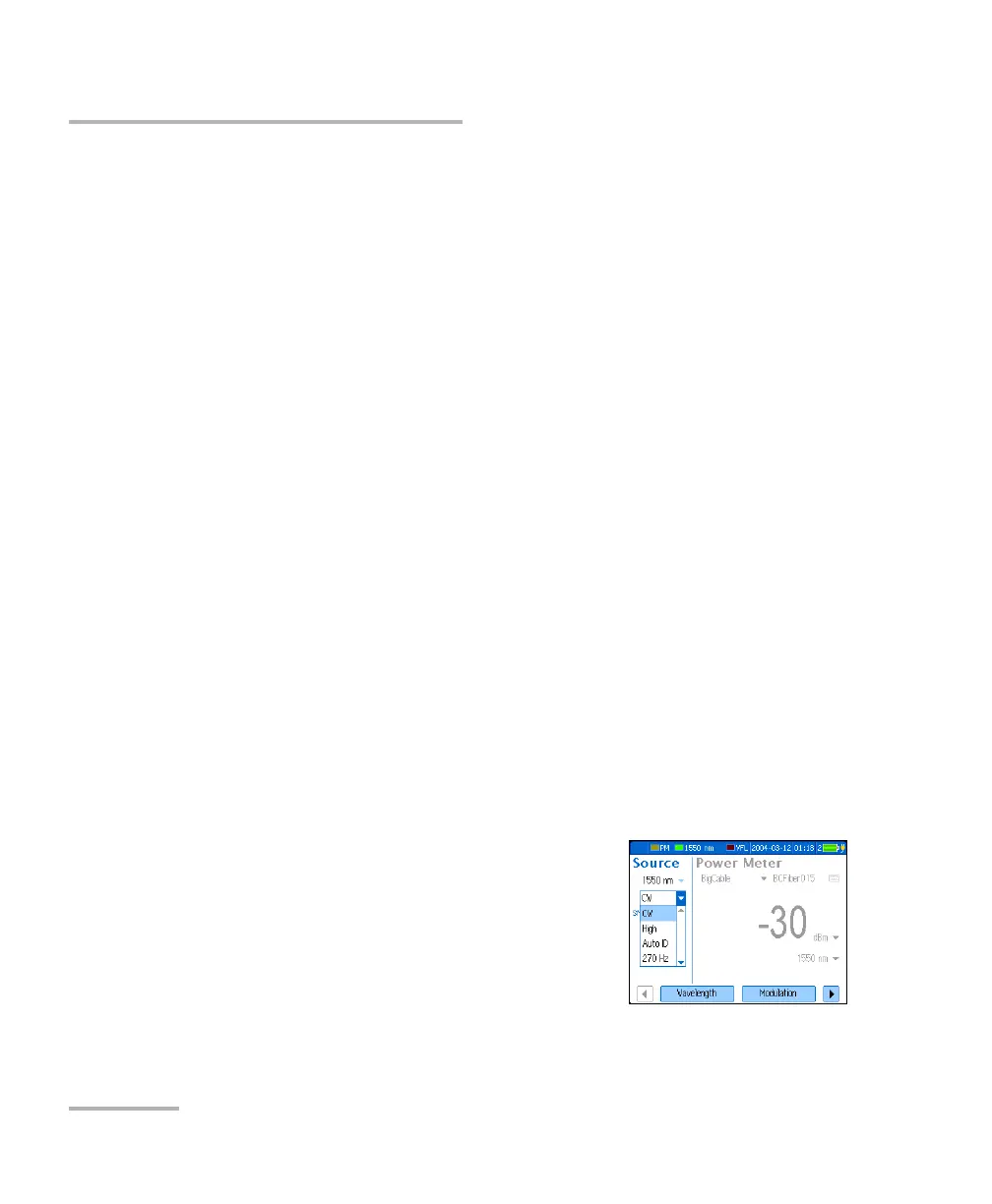
To change the signal modulation:
1. Activate the source if you want.
2. Press Modulation (F1/F2 key) to switch
between available modulations.
OR
3. Use the arrows to open the list and select the
desired modulation.












 To Next Page