Identifying Fiber Faults Visually
62 FOT-930
To activate the VFL and inspect a fiber:
1. Connect the fiber under test to the VFL port
(see Cleaning and Connecting Optical Fibers
on page 22).
2. Press Menu, then select Source/VFL > VFL.
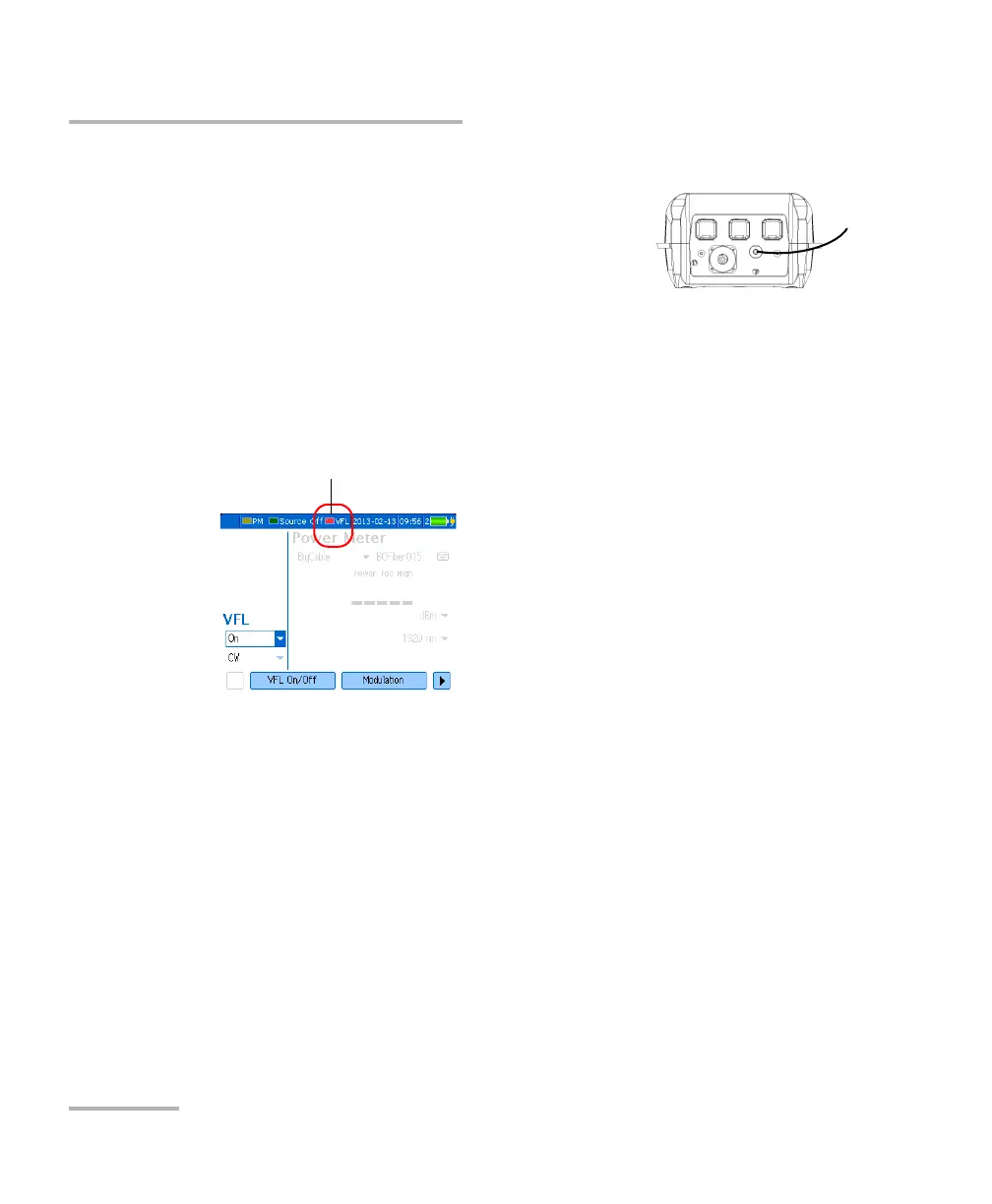
3. Press VFL On/Off (F1/F2 key) to activate the VFL (list displays On).
OR
Use the arrows to open the VFL status list and select On.
4. To switch between blinking (1 Hz) and continuous (CW) signals, press
Modulation (F1/F2 key).
OR
Use the arrows to open the list and select the desired modulation.
5. Without looking directly into the beam, examine the fiber. If light is
coming out of the rubber jacket or on the side of the ferrule, the fiber is
defective.
6. Deactivate the VFL by pressing VFL On/Off (F1/F2 key).
The red light indicates
that the VFL is on.












 To Next Page