Communicating with Other Users
70 FOT-930
Communicating by Voice
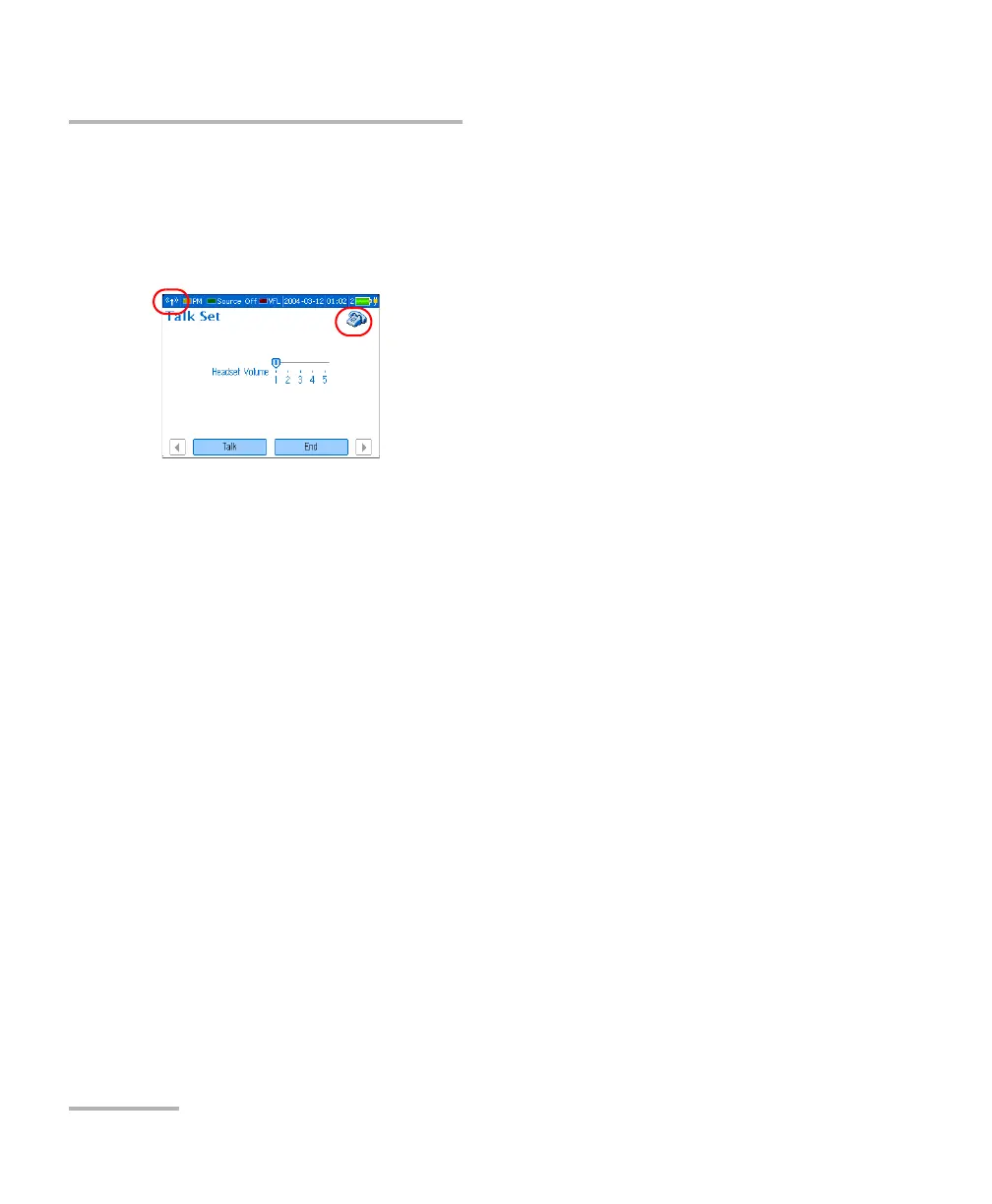
To adjust the headset volume (calling or receiving unit):
1. Press Menu, then select Talk Set/Message > Talk Set.
2. Using the left/right arrows, adjust the volume level.
You cannot adjust or mute the ring sound.
3. Press Talk. Your unit establishes
communication with receiving unit.
If no compatible unit is detected at
the other end, a message appears.
When receiving the call, the unit rings
3 times. A phone icon appears to
indicate that communication is
established.
4. Talk to the receiving unit. 2. Simply answer (no need to press a
key).
5. To end the communication, press
End from the Talk set pane.
3. To end the communication, press
End from the Talk set pane.
Calling Unit Receiving Unit












 To Next Page