Setting Up Your Unit
FTB-2/FTB-2 Pro and FTB-4 Pro 129
Configuring the Power Management Options
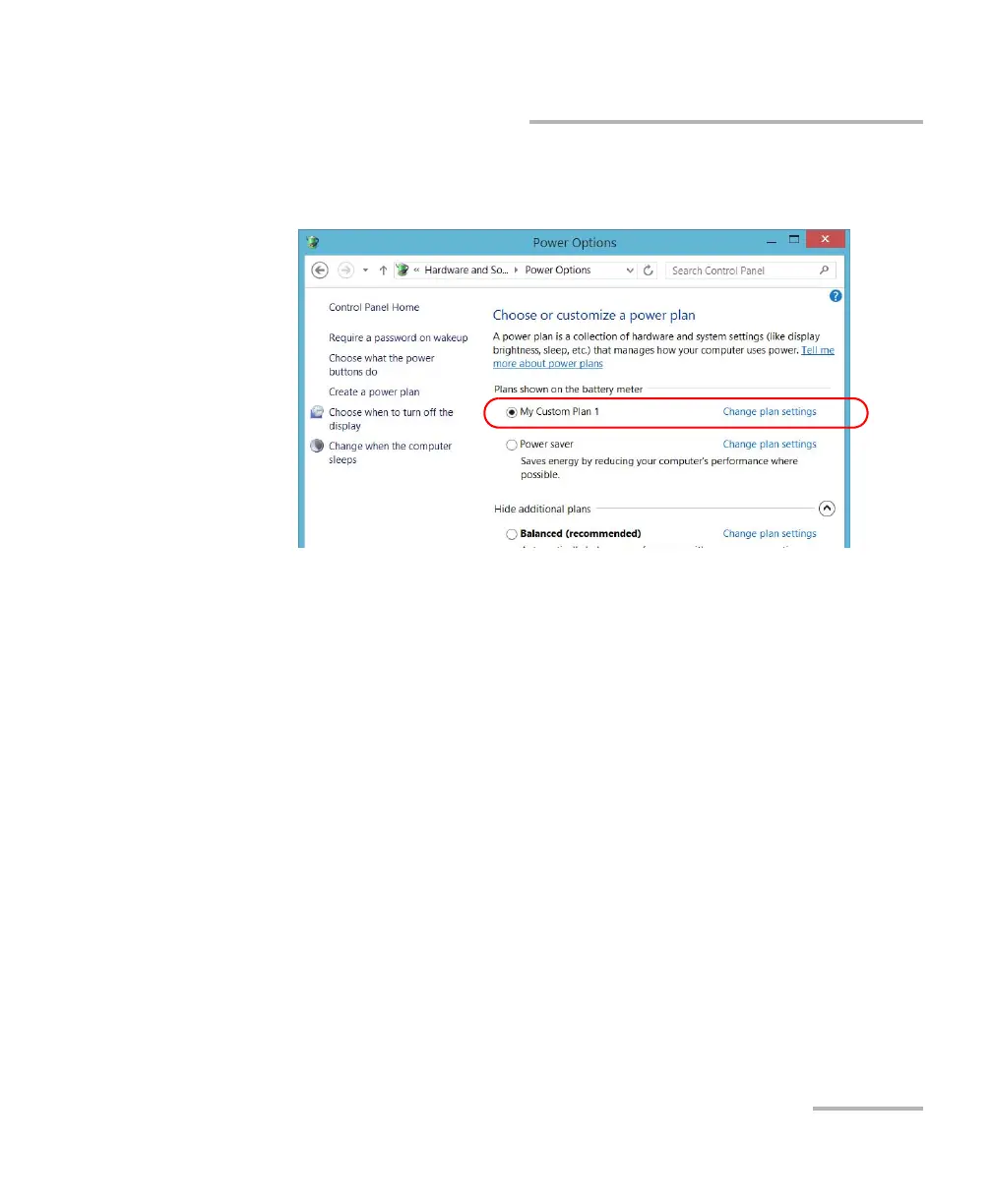
4. From the list of available power plans, locate the set of parameters that
you want to modify or delete.
Note: You can only delete custom power plans, not predefined ones. If the custom
power plan that you want to delete is currently in use, you must select
another plan first.
5. Tap Change plan settings (appearing next to the power plan).
ООО "Техэнком" Контрольно-измерительные приборы и оборудование www.tehencom.com



 To Next Page