Getting Started with Your Unit
FTB-2/FTB-2 Pro and FTB-4 Pro 67
Using the On-Screen (Virtual) Keyboard
Using the On-Screen (Virtual) Keyboard
Whenever you need to enter alphanumeric data, you can use the
on-screen keyboard. This keyboard supports multilingual features, and
functions according to the keyboard settings set in Windows.
To use the on-screen keyboard:
1. Select the location where you want to enter text.
2. From the unit's front panel, press the button.
OR
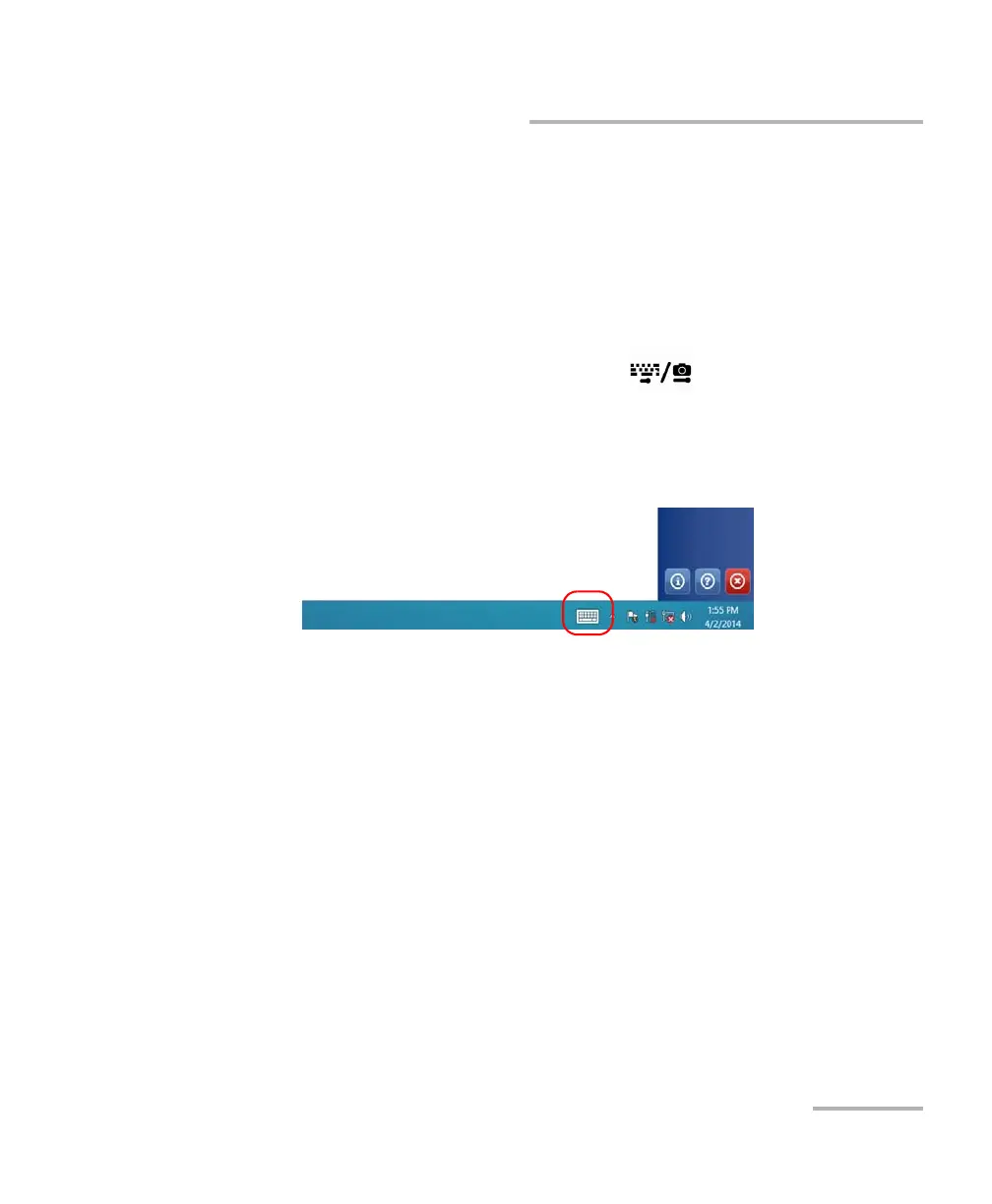
3. From the taskbar, tap the on-screen keyboard icon (located to the left
of the clock).
4. Enter the data as required.
5. Close the keyboard when you are done entering data.
ООО "Техэнком" Контрольно-измерительные приборы и оборудование www.tehencom.com



 To Next Page