Accessing Your Unit Remotely
220 FTB-2/FTB-2 Pro and FTB-4 Pro
Working With VNC
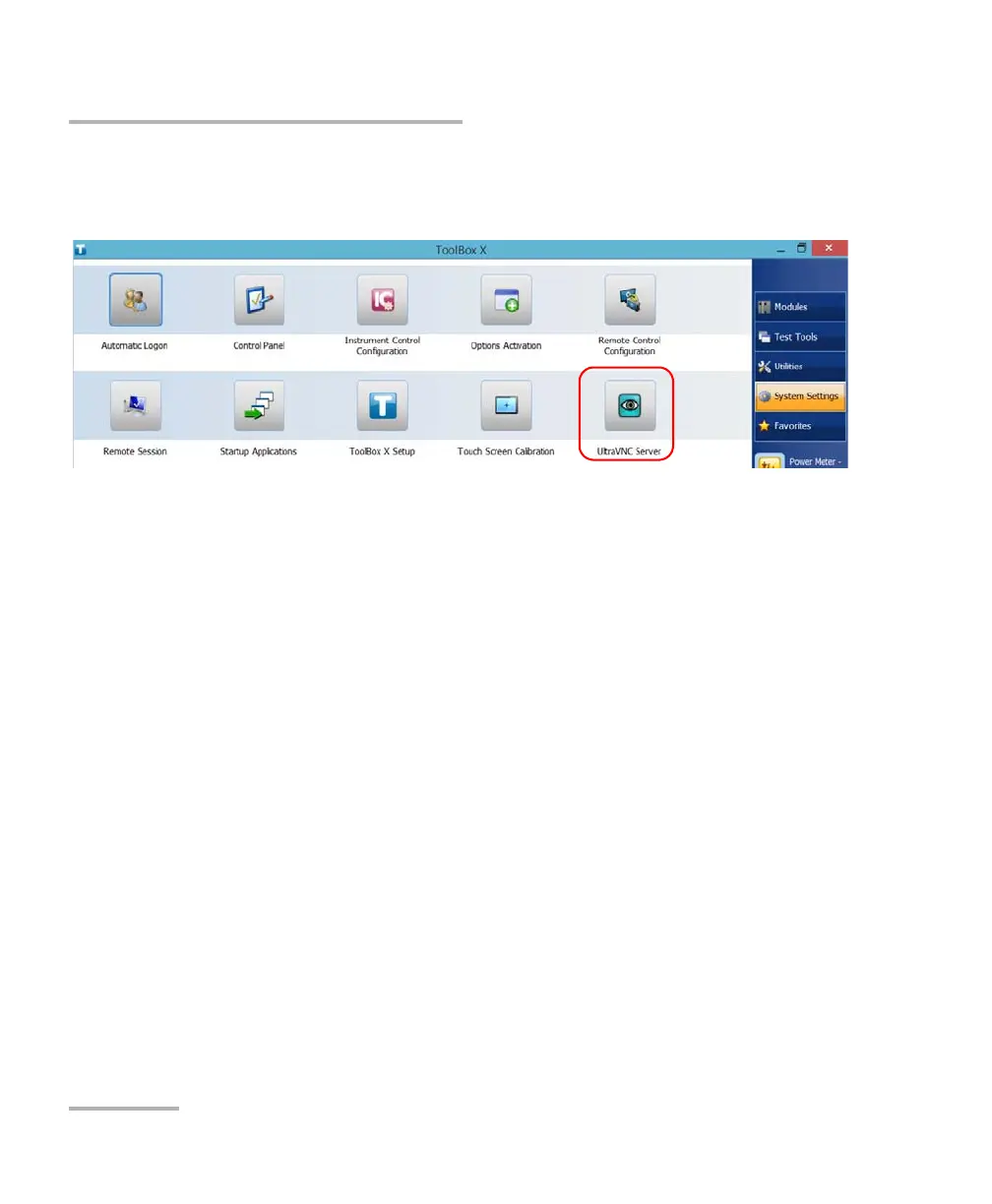
8. From the main window, tap the System Settings button.
9. Tap UltraVNC Server to start the server.
Note: For security reasons, the UltraVNC Server is not started automatically.
However, if you prefer that your unit remains ready for remote connections
at all times, you can install the corresponding service (right-click the
UltraVNC icon, and then tap Install Service). Refer to the Web site of
UltraVNC (http://www.uvnc.com) for more information.
10. From your computer, start the UltraVNC Viewer.
ООО "Техэнком" Контрольно-измерительные приборы и оборудование www.tehencom.com



 To Next Page