5.4 Initiation of control
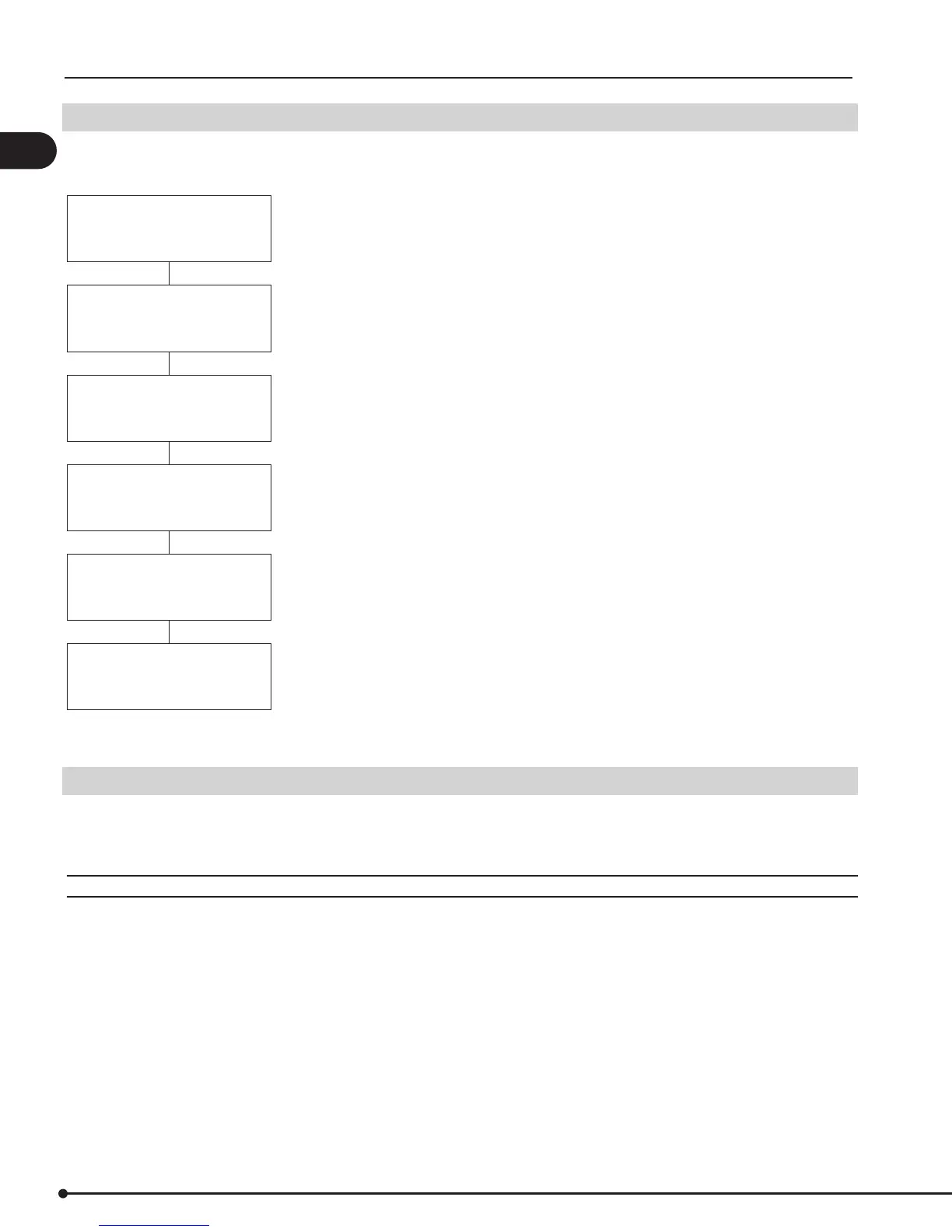
When power is supplied to the control it will go through a start-up procedure to detect and check all components and ap-
pliances installed. During this procedure the display will show the following:
SOFTWARE VERSION 2.12
EXHAUST SENSOR
INTAKE SENSOR
ADD ON - EXT TRIAC FOUND
APPLICATION
EXH ONLY (or INT ONLY)
EXH ON or OFF
INT OFF or ON
The control is ready. The major functions can now be programmed using the Quick-menu.
5.5 Basic control set-up
Once power is turned ON the control can be programmed. Most parameters are programmed at the factory and do not
need to be changed. There are 9 parameters that can be programmed/set prior to operation, and they can be accessed
through the Quick-Menu.
Q1 SET EXHAUST
For setting the draft or exhaust pressure. Although the value, when measured in the eld, is negative pressure it shows up
as a positive value on the display. The lowest possible value is 0.012 inWC. Most applications require a setting in the range
of 0.012 inWC to 0.100 inWC. Atmospheric appliances (Category I) are always in the low range, while all other appliances
can be anywhere.
The %-value indicates the relative setting of the total range of the sensor.
There is no need to set this value, if the control is used to control the supply of combustion air.
14
EBC30 3002180 100315


 To Next Page