6 USER MANUAL
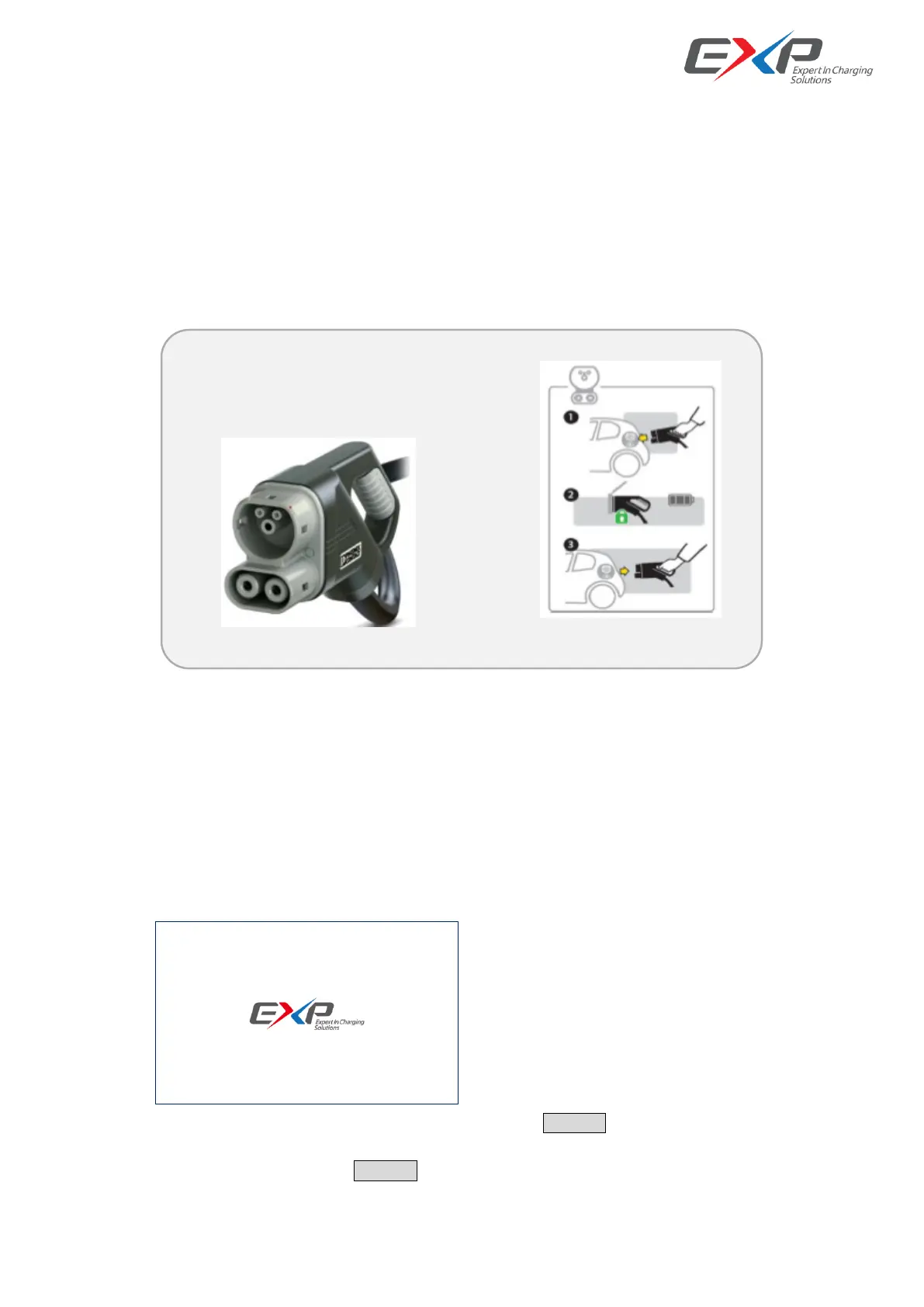
The EXP180K2 operation depends on its output connections: CCS. During the charging process,
the Human Machine Interface (HMI), will give instructions and will signal different stages. These
sequences are shown in this chapter.
6.1 Output connector
The EXP180K2 is prepared to charge electric vehicles according to the mentioned charging systems
6.2 Operation instructions
The DC Charger is operated via the LCD/Touch screen on the panel. Charging can be started by RFID Card,
by scanning the QR Code (need operation platform and ethernet support), by use OTP password input or just one key
to charge by setting the charging mode.
6.2.1 LCD display and operating interface
System power on initial display interface, then it jumps to next.
Charging connector selection display interface, need to click the READY button to choose the connector.
Notes: if we do the setting in display interface: the Param Set/Charger System/Local Authorize Enabled, and
disabled it, then after we click the READY button, we will directly start the charging process.



 To Next Page