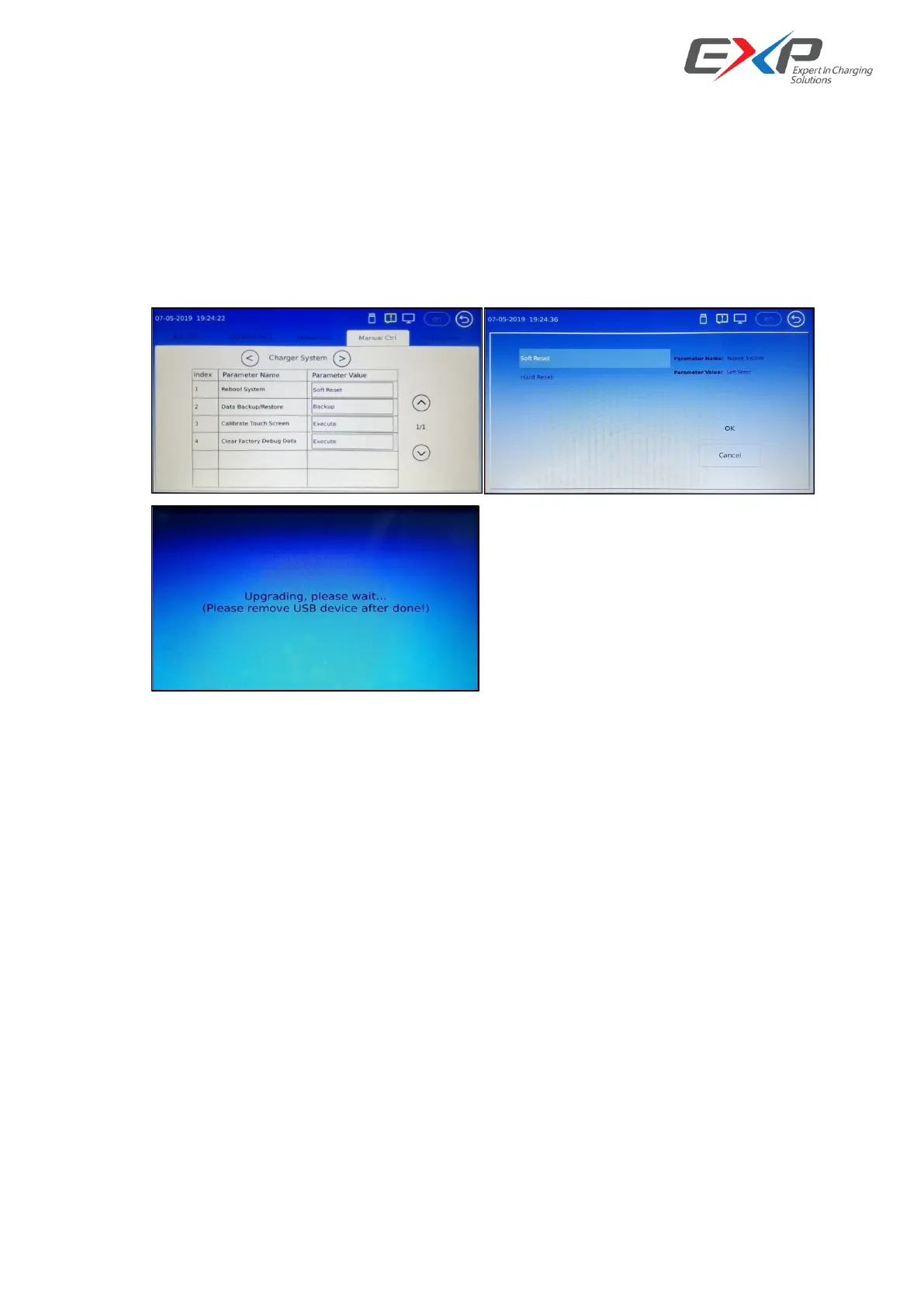
6.2.3.3 Charger software update
The charger can update the firmware by OCPP, and also support the local update by Micro SD card to update
the upper controller’s firmware and by USB disk to update the pilot controller’s firmware.
For upper controller’s update, firstly power on the controller, and then plug the Micro SD card into the
controller’s SD inlet, and then go into the setting in“Manual Ctrl”->“Charger System”->“Reboot System”,
need to input “ Soft Reset”, and waiting the automatic update finish, and then take off the Micro SD card.
For the password to update the firmware is: User Level: Engineer, Password: 296431.



 To Next Page