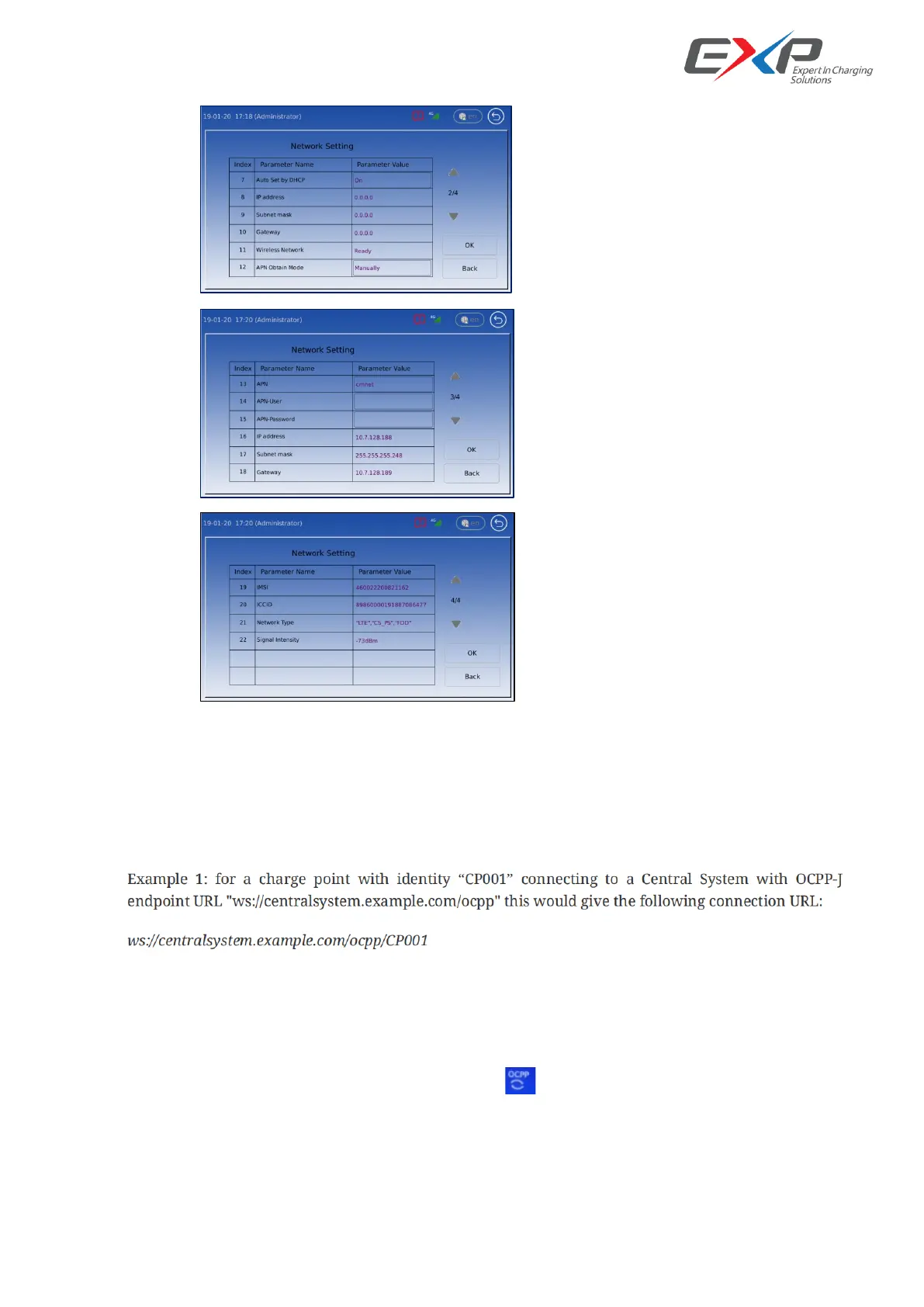
Figure 11. Wireless network configuration example
6.2.3.2 OCPP Configuration
There are 2 standard parameters for back-end setting. Please get them from the back-end supplier.
-Charger ID
-OCPP Server End Url
Figure 12. Example from OCPP-J 1.6 spec
(Note: The protocol upper controller supports is OCPP-J 1.6, please refer to the OCPP official documents if you
have any question about the above 2 parameters or the protocol itself)
Connection Check
If the above settings are done properly, you should see the ‘ ’ icon on screen (without reboot).
Attention: as the OCPP is just one standard protocol, some customer private define contain is in it. So any
access to OCPP platform need to do test before true application.



 To Next Page