EXTEL - CONNECT 2 - 720324
fr - 14
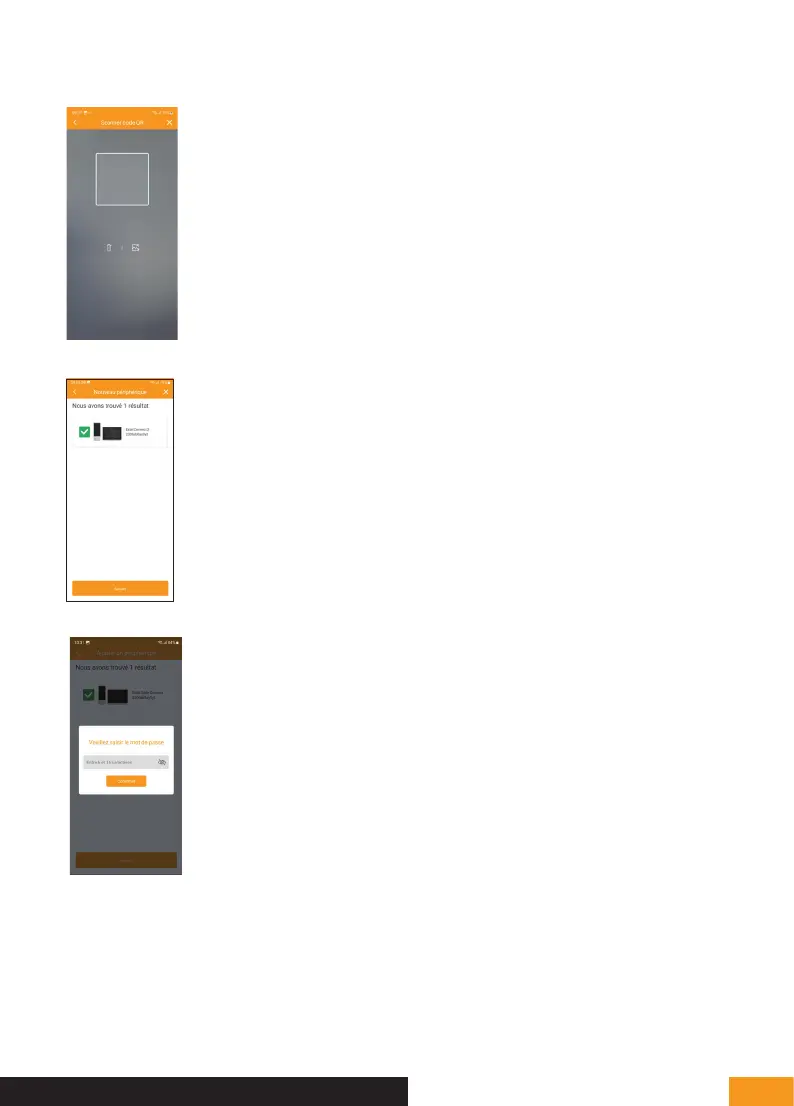
8. Then scan the QR code on your doorkeeper’s monitor screen.
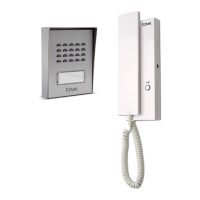
9. If the scan of the QR code is correct, the application should find the Extel Connect 2
monitor. Press “Ajouter” [Add].
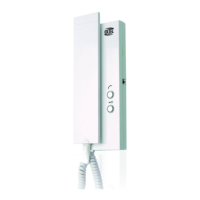
10. Enter the 6- to 16-digit password that was defined in the application during initial set-up
of the video doorkeeper.
F - CONNECTING YOUR EXTEL CONNECT 2 VIDEOPHONE TO YOUR SMARTPHONE



 To Next Page