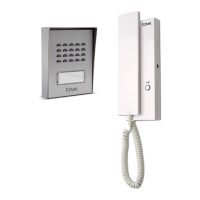
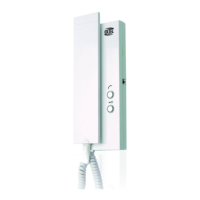
EXTEL - CONNECT 2 - 720324
fr - 20
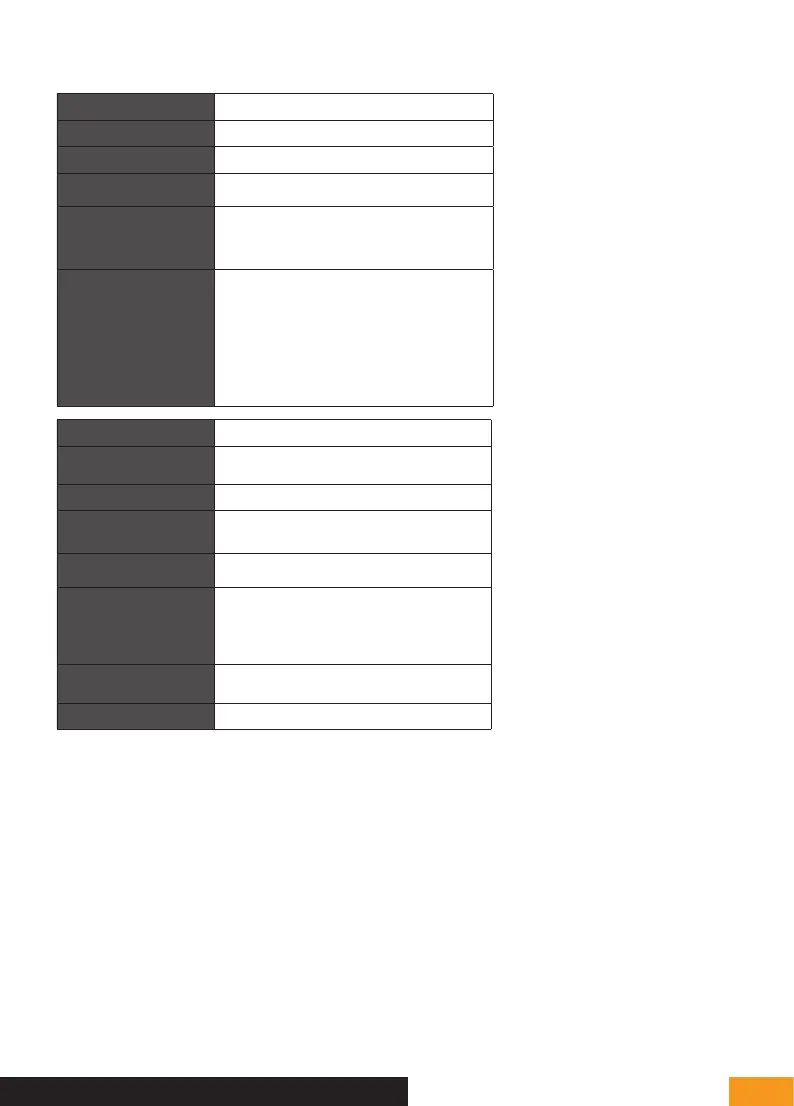
Wiring 2-wire
Max. distance Intercom panel/camera - screen: 100 m
Control Lock and gate
Doorbell melody
6 melodies
Sound level: 85 dB
Screen features
Diagonal: 7″ (18 cm)
Resolution: 800 x 480 px
Photo storage: 100 max.
Mounting: wall
Specifications
Intercom panel
Sensor: C-MOS colour 650TVL
Viewing angle: h70°/ v55°
Night vision: invisible IR LEDs
Illuminated call button: yes
Illuminated label holder: yes
Strike plate control: 12 V/1.1 A max.
Gate control: breaking capacity 12 V/2 A max.
Attachment: surface mounted or recess-mounted
Settings Brightness + contrast + ring volume + colour
Finish
Monitor: grey and black plastic
Intercom panel: black and grey aluminium
Electrical features 15 V DC/1.5 A/22.5 W
Operating temperature -20°C / +50°C
Use
Monitor: interior
intercom panel: exterior (IP54)
Single product features
Monitor dimensions: 14.9 cm (H) x 19.7 cm (W) x
1.8 cm (D)
Intercom panel dimensions: 20.2 cm (H) x 7 cm (W) x
2.8 cm (D)
Weight: 1.0 kg
Kit features
Dimensions: 21 cm (H) x 31.5 cm (W) x 9.0 cm (D)
Weight: 1.35 kg
Standard and certification CE, RoHS, REACH
G - TECHNICAL SETTINGS
H - WARRANTY
• The warranty is void if parts have been dismantled.
Clean the outside with a soft, dry cloth only.
Before cleaning, disconnect or switch off the video
surveillance system.
NOTE
• Do not use any gasoline or carboxylic acid, alcohol
or similar treatment. In addition to damaging your
device, the fumes are also hazardous to your
health and are explosive.
• Do not use any tool that can conduct voltage (wire
brush, sharp tool, etc.) for cleaning.
If needed, visit our technical website: www.
avidsen.com
Download the latest version of the instructions in
colour from: www.avidsen.com
WARRANTY CONDITIONS
• This product is guaranteed for parts and labour in
our workshops.
• The warranty does not cover: consumables
(batteries, etc.) and damage caused by misuse,
improper use, improper installation, external
intervention, damage due to physical or electrical
shocks, dropping or atmospheric phenomena.
• Do not open the device, as this will void the warranty.
• Clean with a soft cloth only, no solvents. The



 To Next Page