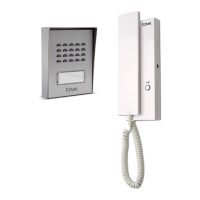
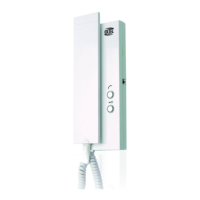
EXTEL - CONNECT 2 - 720324
fr - 18
F - CONNECTING YOUR EXTEL CONNECT 2 VIDEOPHONE TO YOUR SMARTPHONE
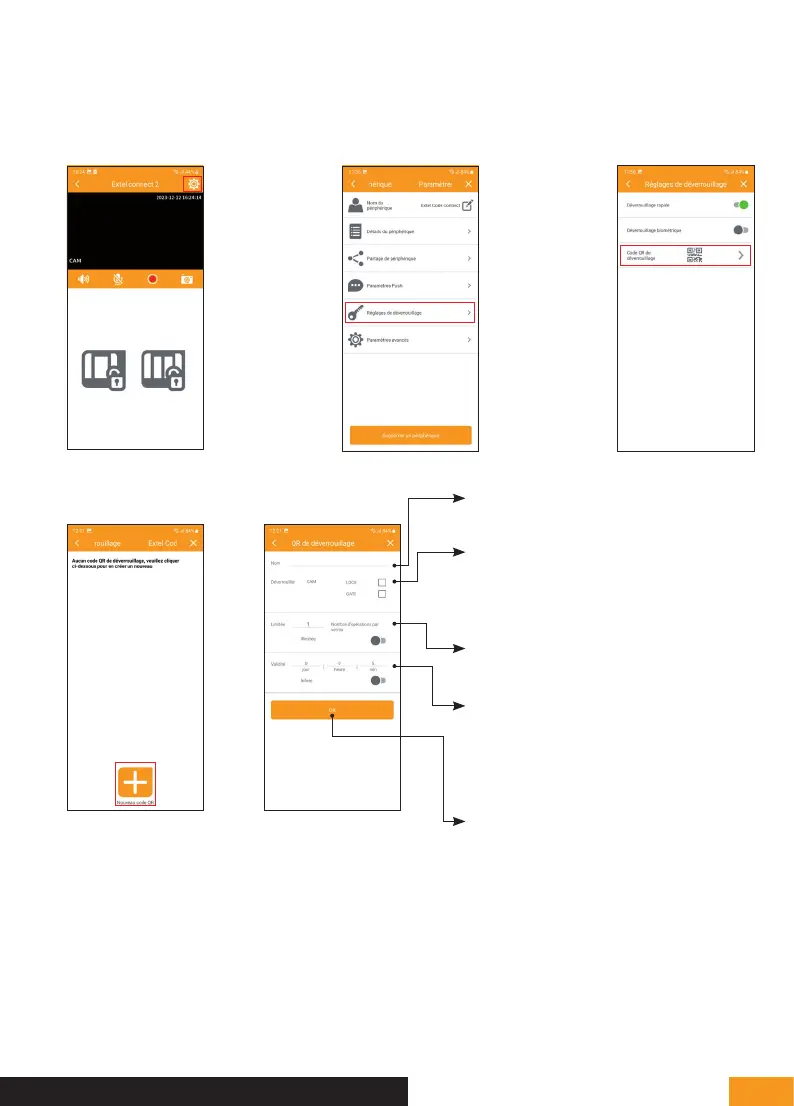
The QR code creation feature allows you to generate a QR code that you can send to whomever needs to
open the electric strike plate in your absence. To access this menu:
1. 3.2.
4. 5.
Name: Give the QR code a name for
easy identification in the future.
Unlock: Tick the box to open the electric
strike plate (LOCK) or the gate opening
mechanism (GATE) when the QR code
is scanned.
Limited: Indicate how many times the
QR code can be used.
Validity: Indicate the duration of QR
code validity in days/hours/minutes. This
option is useful if, for example, you have
a friend staying with you.
Press OK to confirm.



 To Next Page