The information contained within this document is confidential and cannot be reproduced
without the approval of Extollo Communications.
30
4. Security
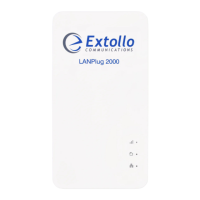
Change the administrative access password on the LANPlug 2000. It is recommended that you
change the password. The default password is ECLP2000. We recommend that you set a more
secure password.
1. Log into the LANPlug 2000.
2. Select Device and then Set Password.
3. Enter the new administrative access password in the provided field.
4. Select OK.
Note: If you forget the new admin password, use the Factory Reset button to reset the
LANSocket 2000 to factory defaults.


 To Next Page