The information contained within this document is confidential and cannot be reproduced
or shared without the approval of Extollo Communications.
20
Hardware Installation and Setup
Internet Router Connection
Step 1
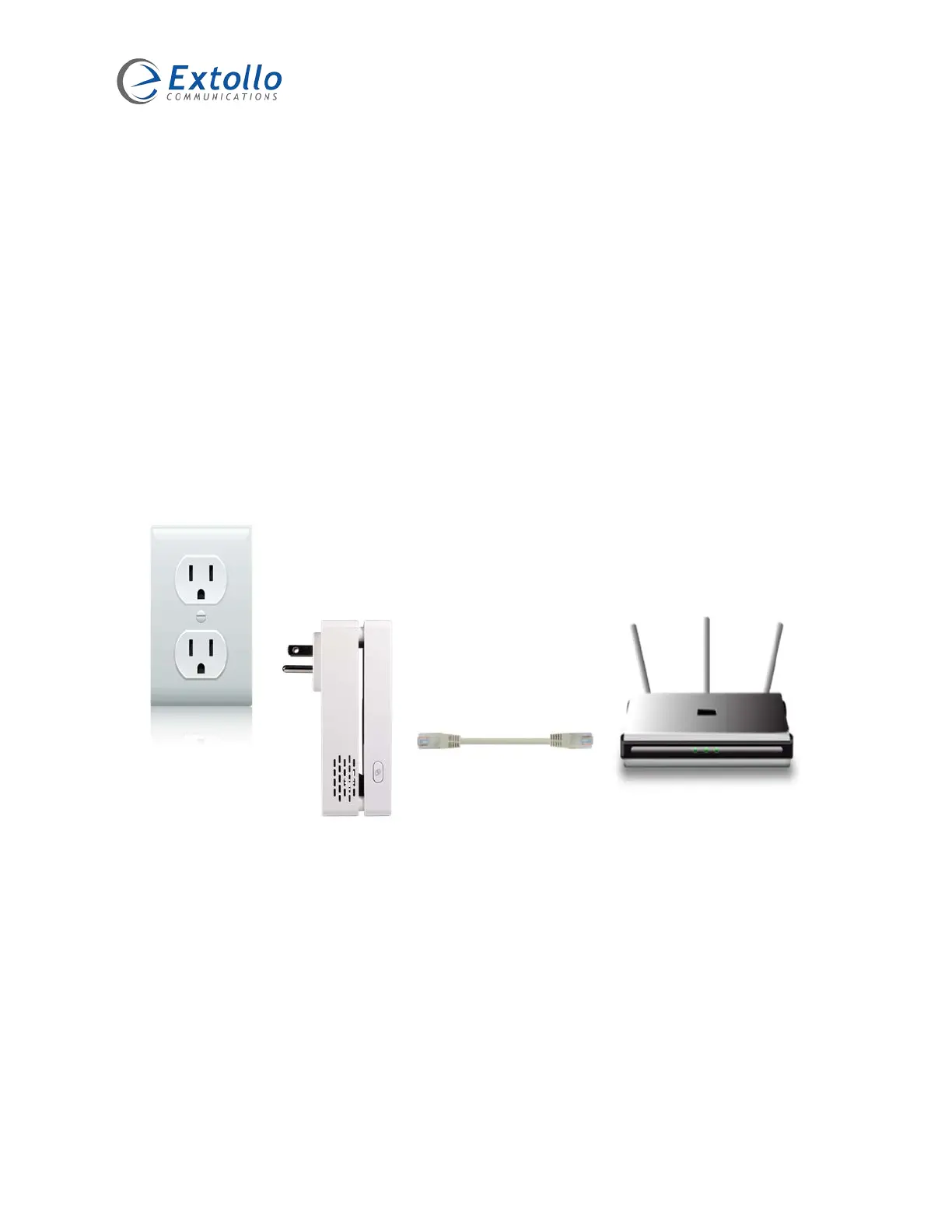
1. Connect one end of the Ethernet cable to the home’s Internet router.
2. Connected the other end of the Ethernet cable to Una.
3. Plug Una directly into an electrical outlet.
4. The Powerline, Ethernet and Wi-Fi LED’s on Una will be green and then turn off during
the boot-up period.
5. The Powerline and Wi-Fi LED’s will go amber and the Ethernet LED will be green once
Una has finished its boot-up process – approximately 90 seconds.
Remote Una Placement
Step 2
1. In the area(s) where a stronger Wi-Fi connection is required, plug Una directly into an
electrical outlet.
2. The Powerline, Ethernet and Wi-Fi LED’s on Una will be green and then turn off during
the boot-up period.
3. The Powerline and Wi-Fi LED’s will go amber once Una has finished its boot-up process
– approximately 90 seconds.



 To Next Page