The information contained within this document is confidential and cannot be reproduced
or shared without the approval of Extollo Communications.
39
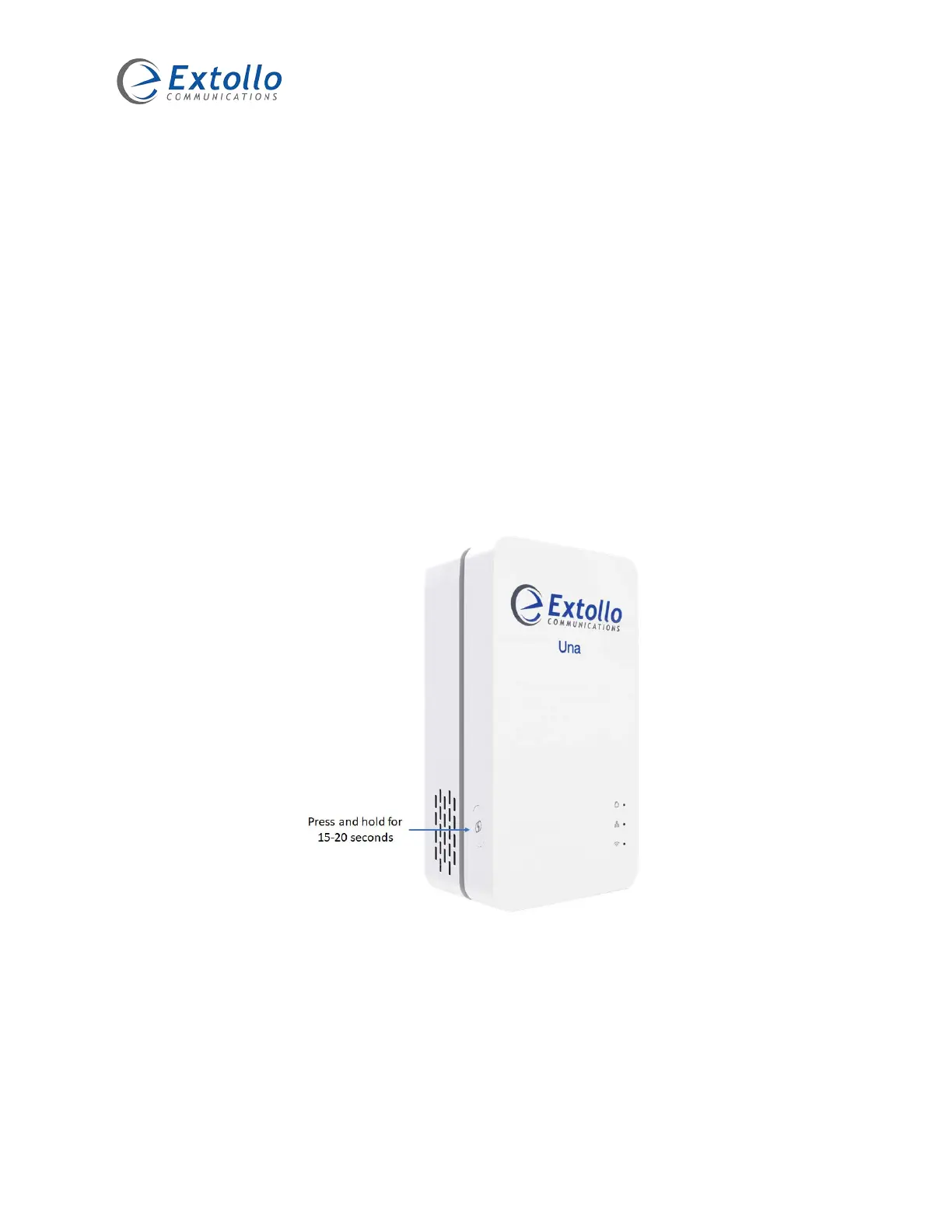
Restoring Una to Factory Default
This section describes the process to restore Una to its factory default settings. Performing this
process erases all settings that have been configured on Una.
1. Hold the Pairing button down for more than 20 seconds until the Powerline, Ethernet and
Wi-Fi LEDs turn on.
2. Release the pairing button.
3. Una reboots and restores all settings to factory defaults.
4. The Powerline and Wi-Fi LED’s turn amber once the process is completed, approximately
90 seconds.
5. Perform the pairing procedure to add Una to the Powerline and meshed Wi-Fi network.



 To Next Page