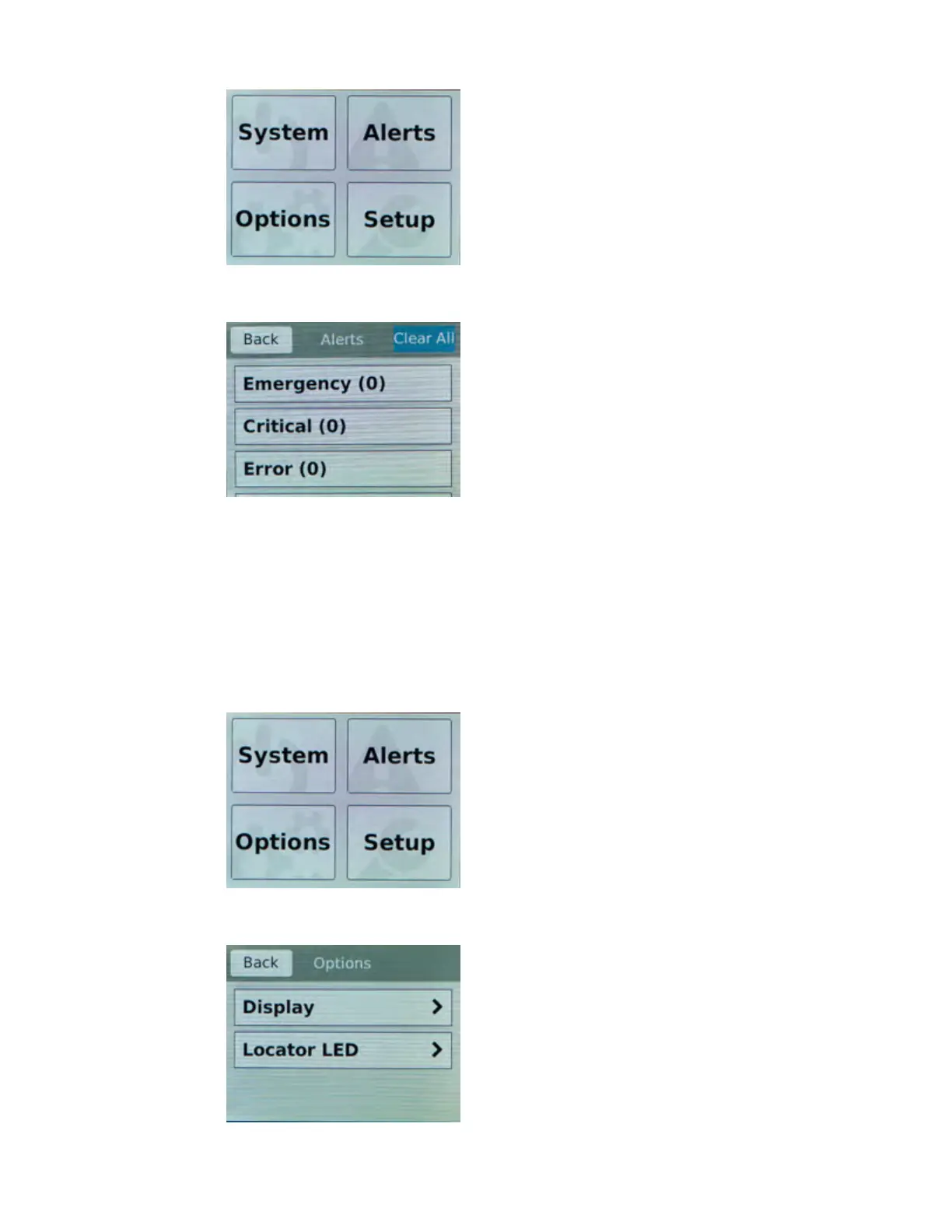
2. T
ap Alerts.
The Alerts screen displays.
3. On the Alerts screen, clear either all alerts or alerts of a specific priority:
• To clear all alerts, tap Clear All.
• To clear only alerts of only a specific priority, tap the priority name to view alerts with that
priority, and then tap Clear.
Configure LCD brightness
You can use the touchscreen LCD to adjust the brightness of the display.
1. Touch the screen to activate the LCD menus.
2. T
ap Options.
The Options screen displays.
Platform Overview
12



 To Next Page