About using the LCD
To manage the platform using the LCD menu options, tap the touchscreen LCD to put it into menu mode.
The LCD is operational even when the Host is powered of
f, provided that Always-On Management and
the LCD are fully booted.
Important: It might take a few minutes for the LCD to become operational when the system is started
from a powered off state.
Note: When using the LCD to configur
e the unit, be sure to use the Commit option to save all settings.
Reboot the unit
Y
ou can use the touchscreen LCD to perform a soft reboot of the unit.
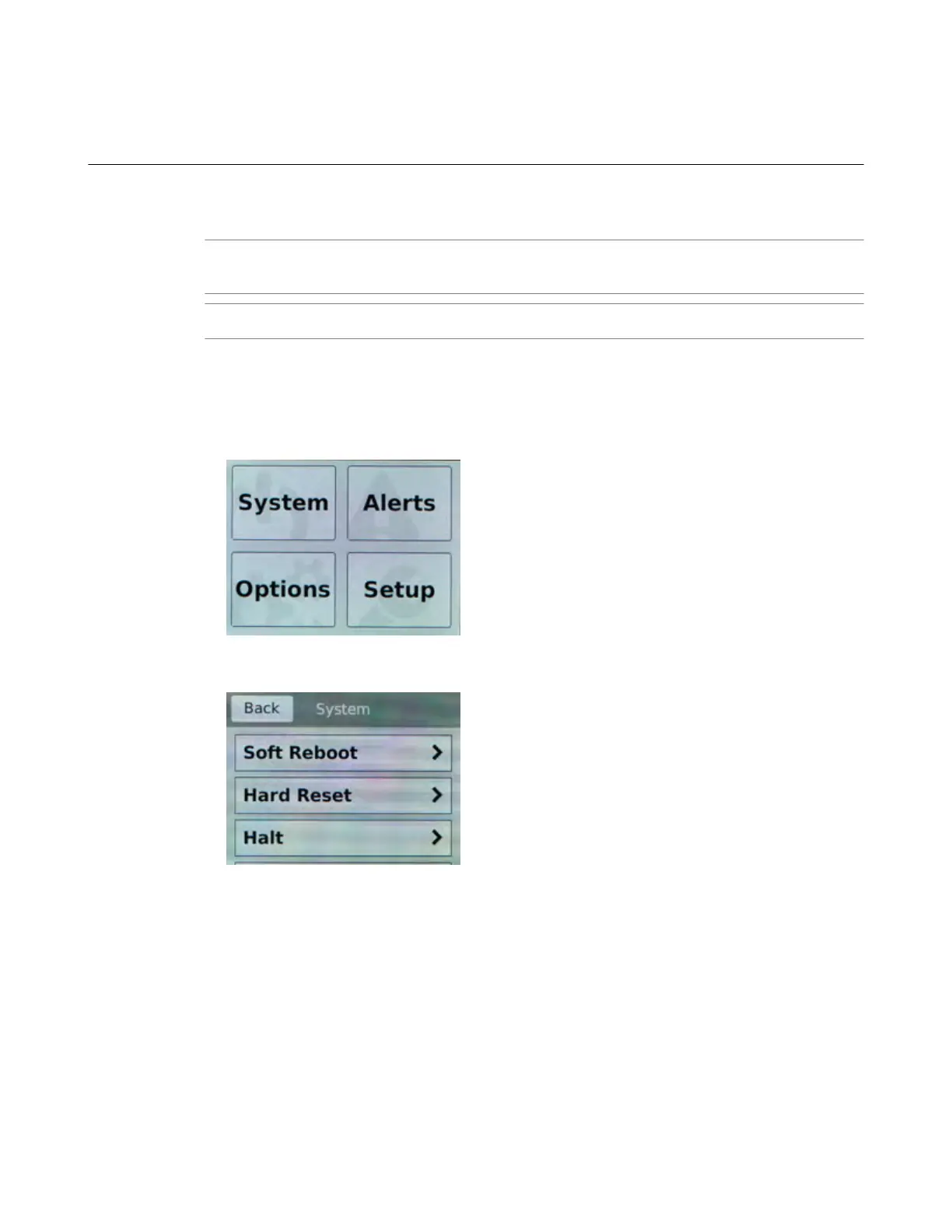
1. Touch the screen to activate the LCD menus.
2. T
ap System.
The System screen displays.
3. On the System screen, tap Soft Reboot.
4. Tap Confirm to reboot the unit.
Reset the unit
You can use the touchscreen LCD to perform a hard reset of the unit.
1. Touch the screen to activate the LCD menus.
Platform Guide: i2000/i4000 Series
9



 To Next Page