3. T
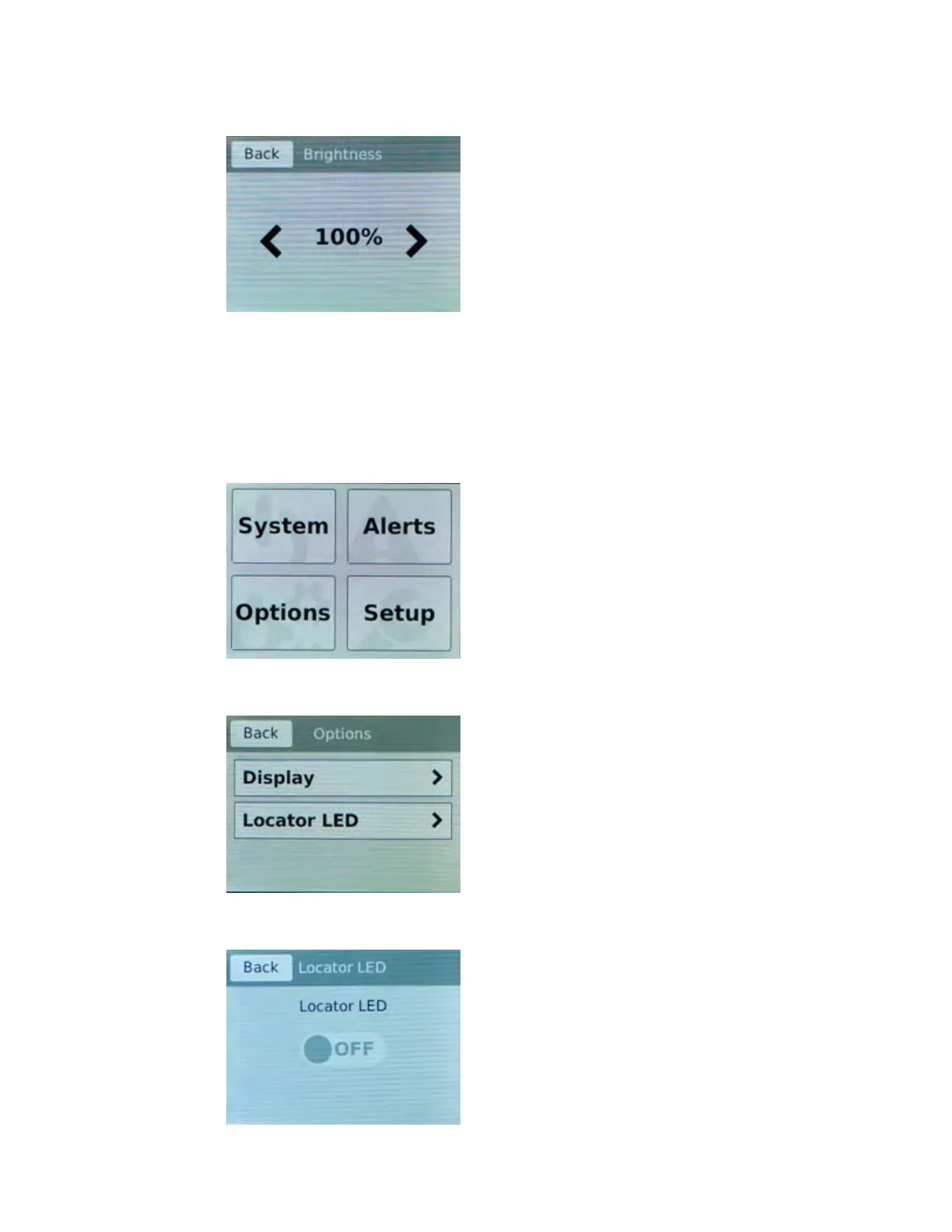
ap Display.
The Brightness screen displays.
4. Use the left and right arrows to adjust the brightness of the LCD in real-time.
5. Click Back to return to the previous screen.
Enab
le/Disable the chassis locator LED
You can use the touchscreen LCD to enable and disable the chassis locater LED.
1. Touch the screen to activate the LCD menus.
2. Tap Options.
The Options screen displays.
3. Click Locator LED.
The Locator LED screen displays.
Platform Guide: i2000/i4000 Series
13



 To Next Page