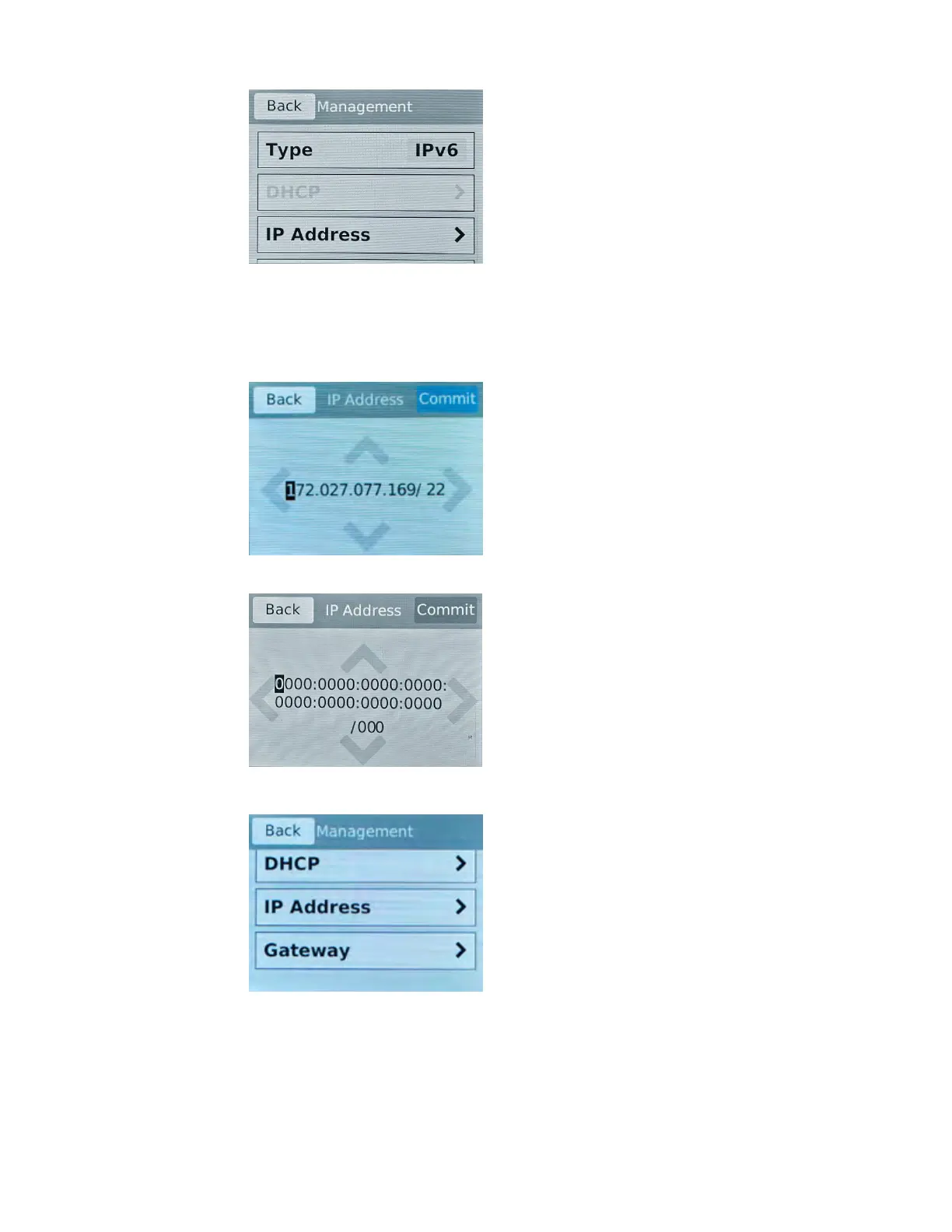
d) Tap IP Addr
ess.
The IP Address screen displays.
e) Use the left, right, up, and down arrows to configure the management IP address and the length of
the routing prefix for the IPv4 or IPv6 management IP address.
For an IPv4 address, this screen displays:
For an IPv6 address, this screen displays:
f) Tap Commit to save your changes.
g)
On the Management screen, swipe to scroll down and tap Gateway.
h) Use the left, right, up, and down arrows to configure the default route for the management
interface.
Platform Guide: i2000/i4000 Series
31



 To Next Page