Replace an AC power supply
In the event of a power supply unit (PSU) failure, you can replace an AC PSU in your system. For a dual-
supply system, you can perform the replacement without powering down the system, provided that there
is at least one PSU operating during the replacement process.
Caution: Be sur
e that you are using the correct wattage and part number (PWR-XXXX) of power supply
unit (PSU) in all bays, as applicable, when performing a power supply replacement.
Note: All photos shown ar
e examples. The appearance of your power supply units might vary slightly, but
be sure to use the pull handle orientation and perforations in the power cord face to verify the correct
PSU for your platform.
1. Prepare the system for PSU replacement:
•
For a single-supply system, use the touchscreen LCD to halt and power off the system.
• For a dual-supply system, make sure that you have an operational supply already installed in your
system if you want to hot swap a supply while the system is running. If you do not want to hot
swap, you can perform the replacement with the system powered off.
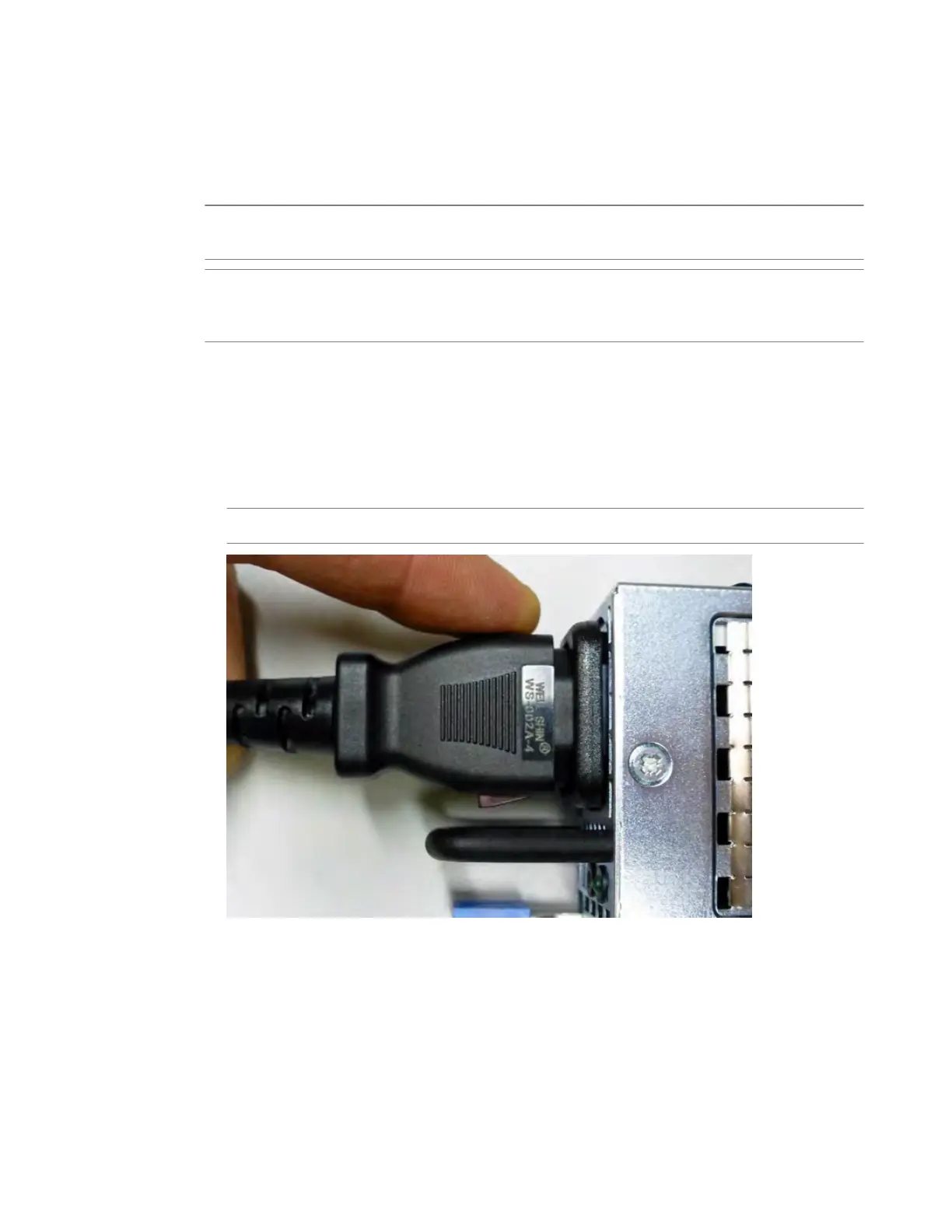
2. Before removing the PSU from your system, disconnect the AC power cord from the power supply by
pulling one or both of the power cord locking tabs away from the power supply.
Important: Locking AC power cords might not be available in all countries.
3. Remove the failed AC PSU by squeezing the ejector latch and pulling the handle straight toward you.
Platform Guide: i2000/i4000 Series
35



 To Next Page