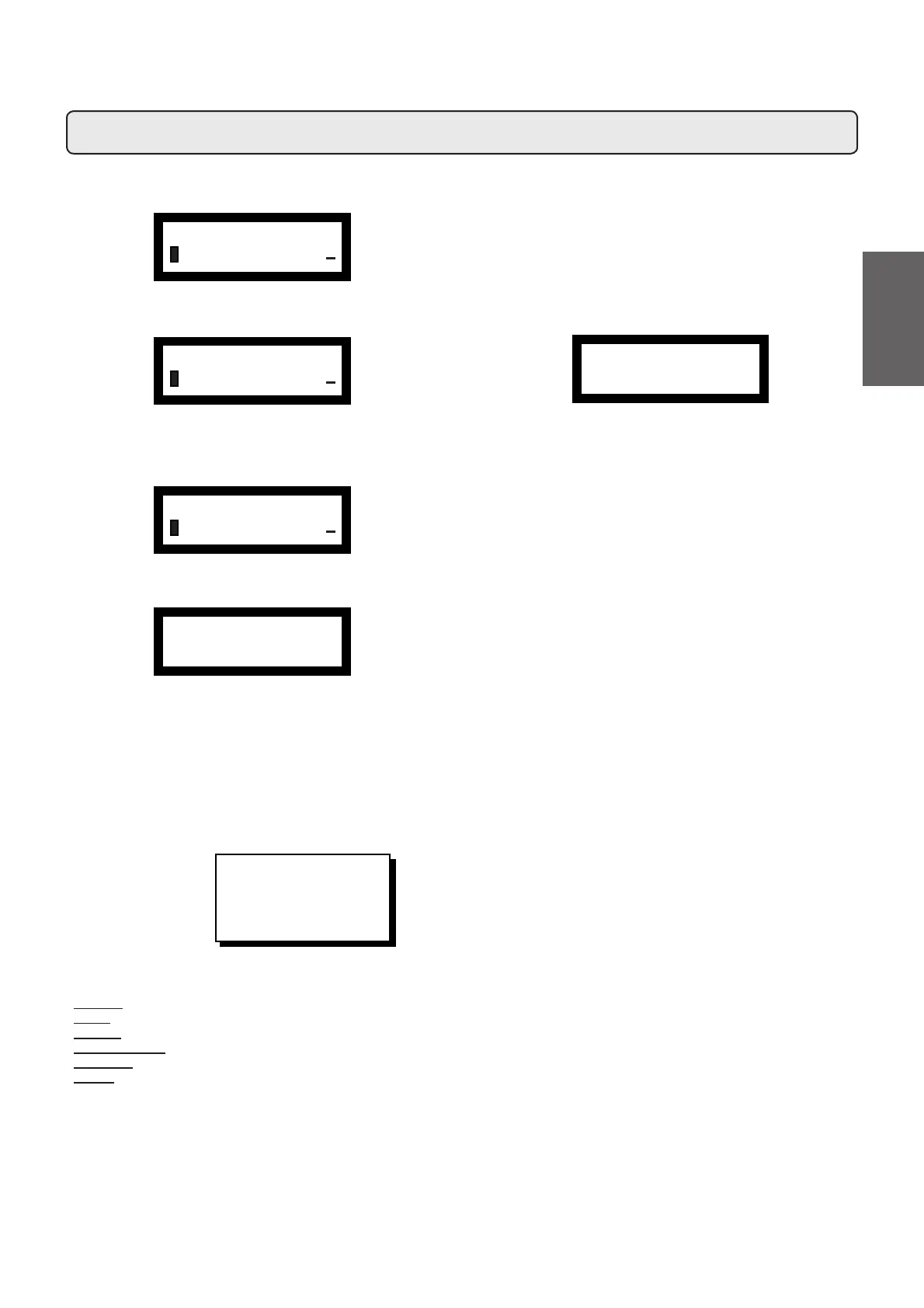
The sub-menu of the Version entry shows the memory display ver-
sion:
When the PROG (32) key is pressed displays the data for the revision
and memory date.
Version
ÀINFO
VERSION
+
ÀVERSION
DISPLAY 029.T0.A0
+
DISPLAY 029.T0.A0
REV. 00 20/04/2006
The “Setup” entry displays the setup settings introduced during the
Data Standard insertion phase:
Setup
– –
Æ Capp. - coffee
Steam
TS
Electric
Menu 1
ÀINFO
SETUP
+
Entering Standard Data
******************
NEW SOFTWARE VERSION
LOAD
STANDARD DATA
******************
Before performing this operation, switch off the machine and position
dipswitch 1 on display screen = ON, then switch on the machine.
If the procedure described above is not performed (dip1=ON), this
message will appear on the display:
Using the "+" key (34) and the "-" key (35), select the parameters,
WKHQSUHVVWKH352*WRFRQ¿UPWKHGHWDLOV
After this operation, switch off the machine and reset the dipswitch
1 display screen to OFF.
Then:
- Switch on the machine again
- Reset date and time, and reset the desired language, if needed.
- Zero the error log.
When inputting the Standard Data, you are prompted to input data
regarding model and type of machine:
- MODEL: 2, 3, 4 groups;
- TYPE: coffee, cappuccino;
- STEAM: YES / NO (steam button);
- TURBOSTEAM: YES / NO;
- FEEDING: electric, electric + gas, gas;
- MENU: different types of drinks
7HFKQLFLDQSURJUDPPLQJ&RQ¿JXUDWLRQPHQX'DWDPHQX
STANDARD DATA
– – Æ 4 GR
73
English



 To Next Page