7HFKQLFLDQSURJUDPPLQJ&RQ¿JXUDWLRQPHQX&RPSRQHQWVWHVW
Permit parts to be manually operated using the "+" (34) and "-" (35)
keys.
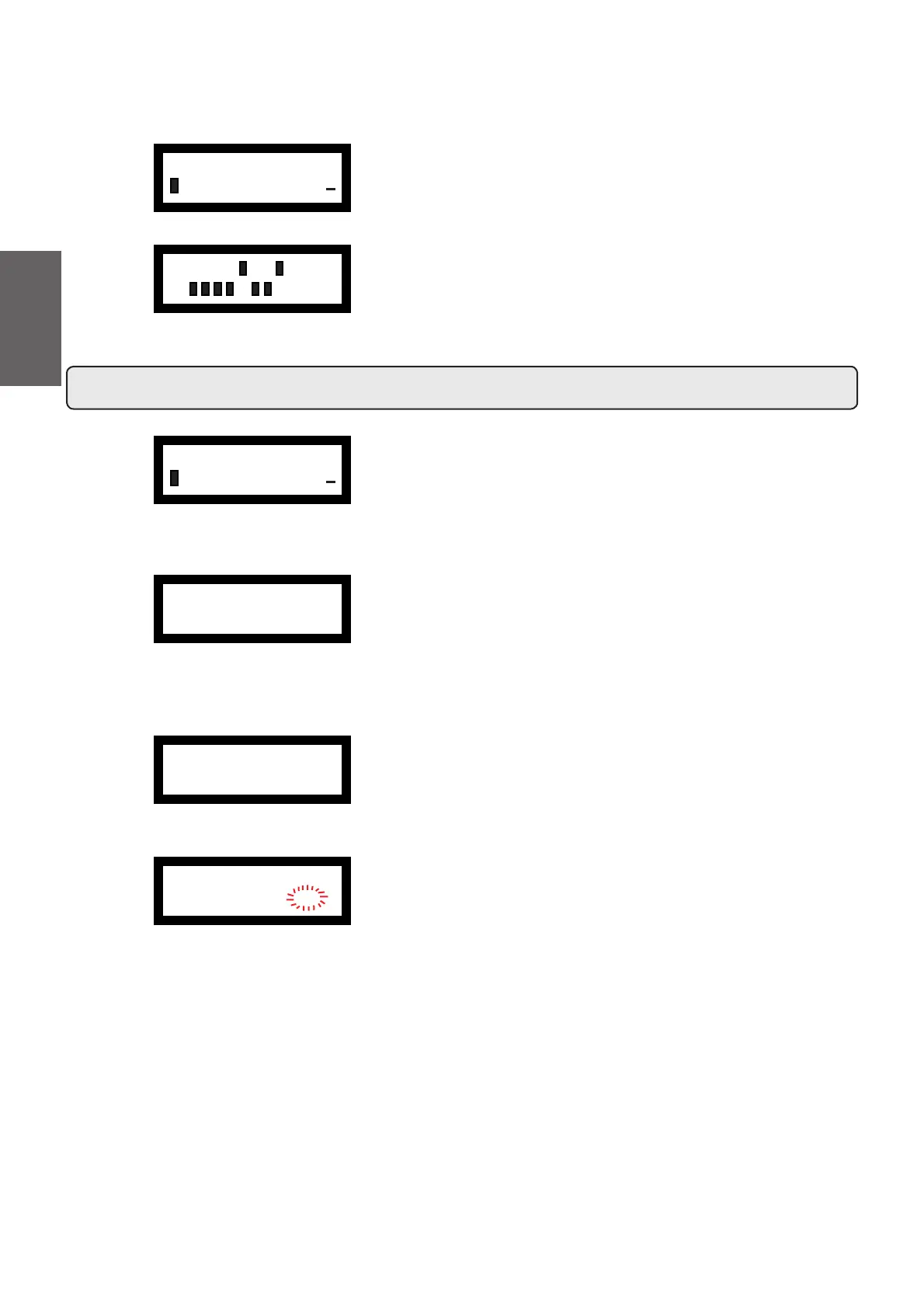
Press the PROG key (32), the following message appears on the
display:
Press "+" (34) or "-" (35) to display the various components.
A successive pressure of PROG key (32), visualizes on display the
following panel:
Press "+" (34) or "-" (35) to activate the components:
Press
(33) to quit manual mode.
Legend
P Boiler pressure, displayed in "bar" or "psi".
Liv Water level in boiler
+HUHLVWKHWDEOHRIV\PEROVXVHGWRGH¿QHWKHPRYLQJSDUWV
that can be accessed:
MP Pump motor
G1÷G4 Coffee dispensing solenoid valvev
Eac Hot water solenoid valve
Evc Boiler load solenoid valve
Ets Steam solenoid valve (Turbosteam)
MC Turbosteam compressor motor
Eds EDS solenoid valve
Em Milk solenoid valve
Dip settings
The “dip setting” entry displays the dipswitch settings.
Under standard conditions, the dip-switches are positioned on OFF.
- DIP 1 = OFF - ON Input of standard data
- DIP 2 = OFF
- DIP 3 = OFF - ON Simulation of engineer’s key
- DIP 4 = OFF - ON Bookkeeping
- DIP 5 = OFF -
ON allows keys sequence to enter programming
- DIP 6 = OFF
- DIP 7 = OFF
- DIP 8 = ON
For more details, please consult the "Setting - CPU Dip-Switch"
paragraph.
ÀINFO
DIP SETTINGS
+
18 ON
OFF
ÀCONFIGURATION
COMPONENTS TEST
+
P 1.1bar Liv. OK
± PRG MP :ON
P 1.1bar Liv. OK
± PRG MP :RES
Æ
Æ
P 1.1bar Liv. OK
± PRG MP :OFF
ÆÆ
74
English



 To Next Page