17
1. Make sure the Endurance has been properly in-
stalled and plugged into a standard 115V outlet.
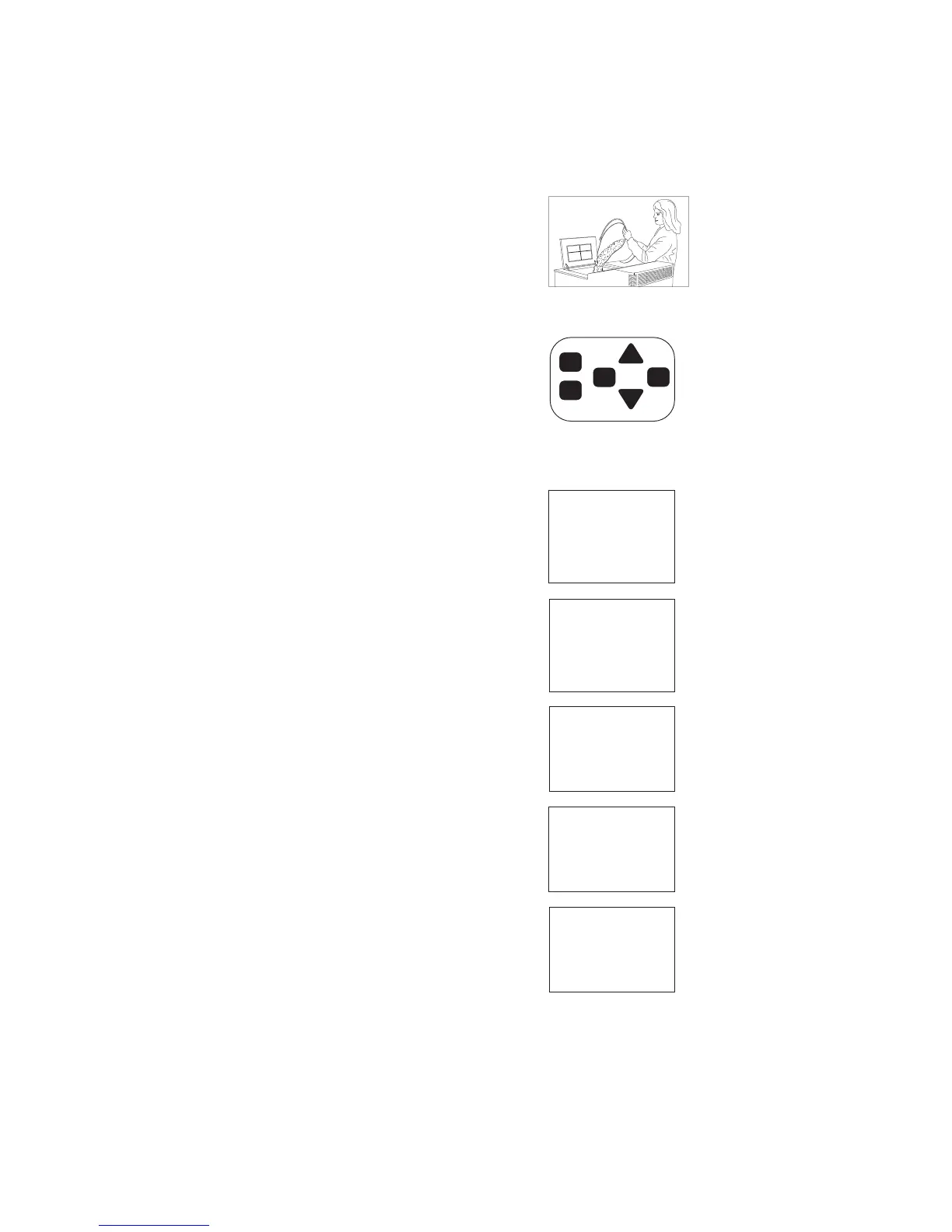
2. Fill the Fuel Hopper
a. Make sure the Endurance hopper has adequate fuel,
filled to near the top, and the lid is closed. The lid must be
closed for the feed auger to operate.
b. Confirm the ash pan is secured and the fire chamber door
is closed.
3. Prime the Unit
Press and hold the Prime button until the auger is fully
‘primed’ and your fuel (corn, pellets, etc.) begins to feed into
the burn pot. This may take 2-3 minutes.
(This step is not necessary if the auger is filled with fuel from
previous operation).
4. Verify the Settings
The LCD Control Panel will display the MENU of default set-
tings.Tochangeasetting,usetheUPandDOWNarrowsto
select the menu item, then ENTER to select the options, etc.
5. Press the ON/OFF Button to Start –
Once the settings are correct for your fuel type etc., push the
ON/OFF Button for approx. 1 second.
The unit will automatically run through several different pro-
cesses.TheLCDscreenwilldisplaywhatprocessisrunning:
AUTO IGNITION
ENDURANCE 50F AUTO IGNITION
Current Setting
Fuel:10-PPellet
Control:Manual
Ignition:Auto
Blower:800CFM
AugerTrim:3
DraftTrim:3
Igniting
LEVEL 3
FuelType:
10-P Pellet
Vacuum Flame Auger
SELF CLEANING IN
PROGRESS
Stabilizing
LEVEL 3
FuelType:
10-P Pellet
Vacuum Flame Auger
Running
LEVEL 3
FuelType:
10-P Pellet
Vacuum Flame Auger


 To Next Page