www.faleemi.com support@faleemi.com
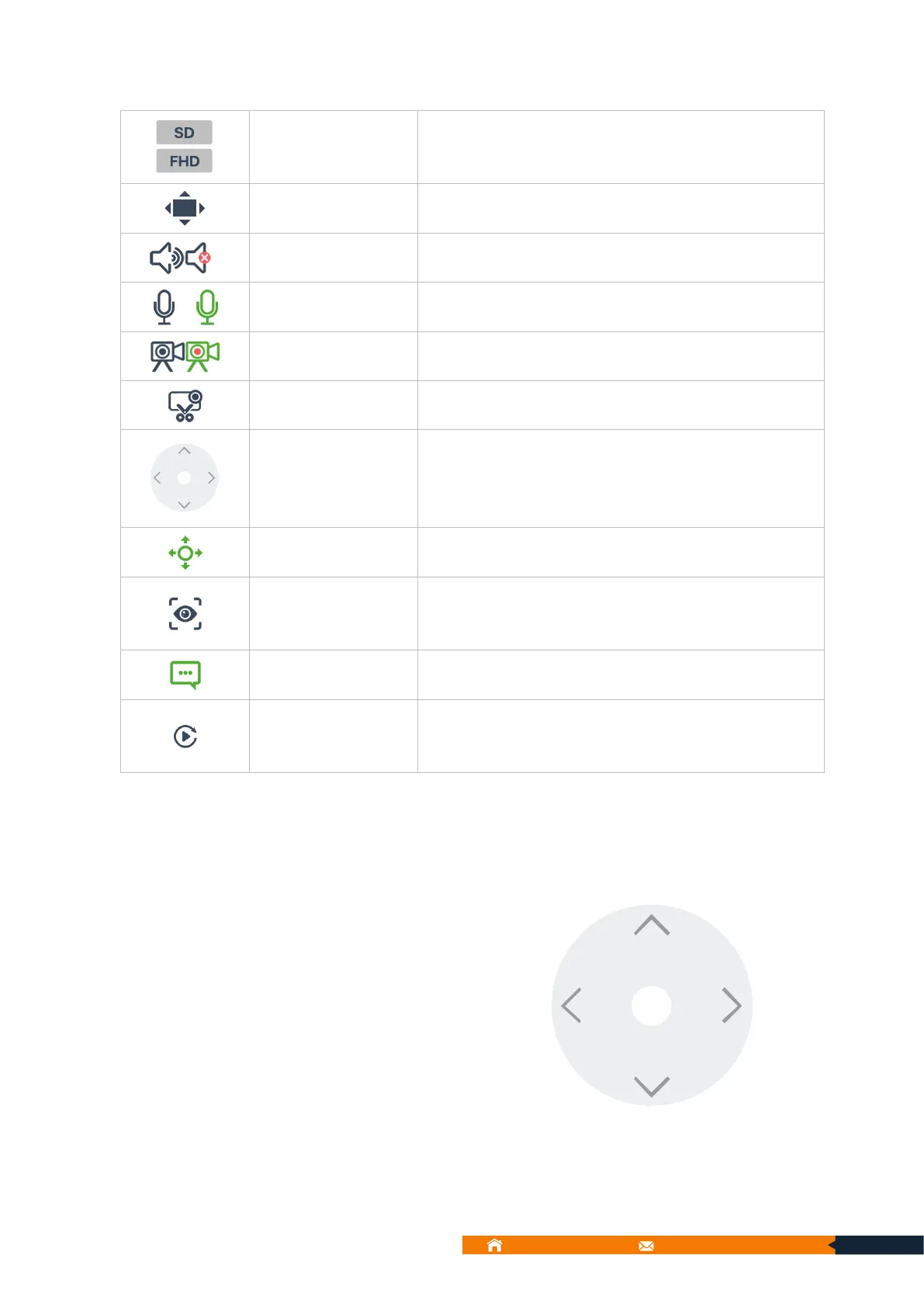
SD: Standard Definition
FHD: Full High Definition
Record video manually / Recording
Tap the arrow to control PTZ.
*PTZ cameras Only (FSC776A/C, FSC883, FSC886)
You can set favorite position to adjust camera with single
tap.
*PTZ cameras Only (FSC776A/C, FSC883, FSC886)
If you set the camera to record alarm video on SD card
or Cloud storage. You can playback the alarm video from
Replay.
9.1. Console (PTZ cameras Only)
Tap the arrow to control PTZ.
Tap the arrow: The camera moves slightly
in the appropriate direction
Press and hold: The camera moves
continuously in the appropriate direction



 To Next Page