www.faleemi.com support@faleemi.com
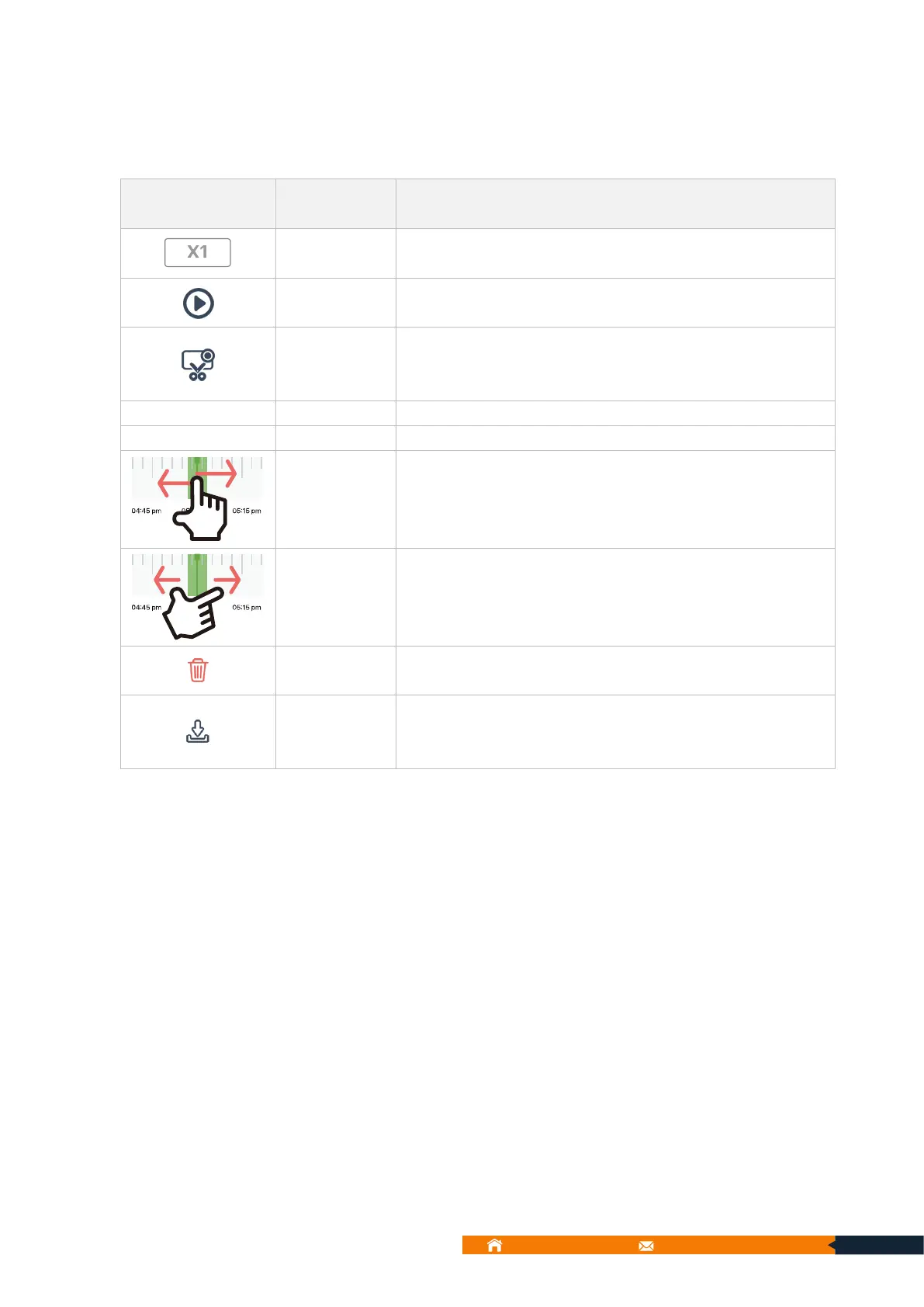
You can tap 1X, 2X, 4X to fast forward the recorded alarm
video.
Capture history video pictures to local photo. Then you can
go to [Me] → [Local Photo] to view them or save them in your
mobile album.
Tap a highlighted (green text) date to show up the Timeline.
Pull the timeline left and right to find and view specific
recordings. The green bars show that there are recordings,
while gray one indicates that there is no recording.
Tips: pinch-to-zoom adjust Timeline scale.
Delete the alarm videos saved on SD card. You can select the
fragment that you want to delete or delete the whole day.
Download the alarm videos saved on SD card to Local Video.
Then you can go to [Me] → [Local Video] to view them or
save them in your mobile album.



 To Next Page