www.faleemi.com support@faleemi.com
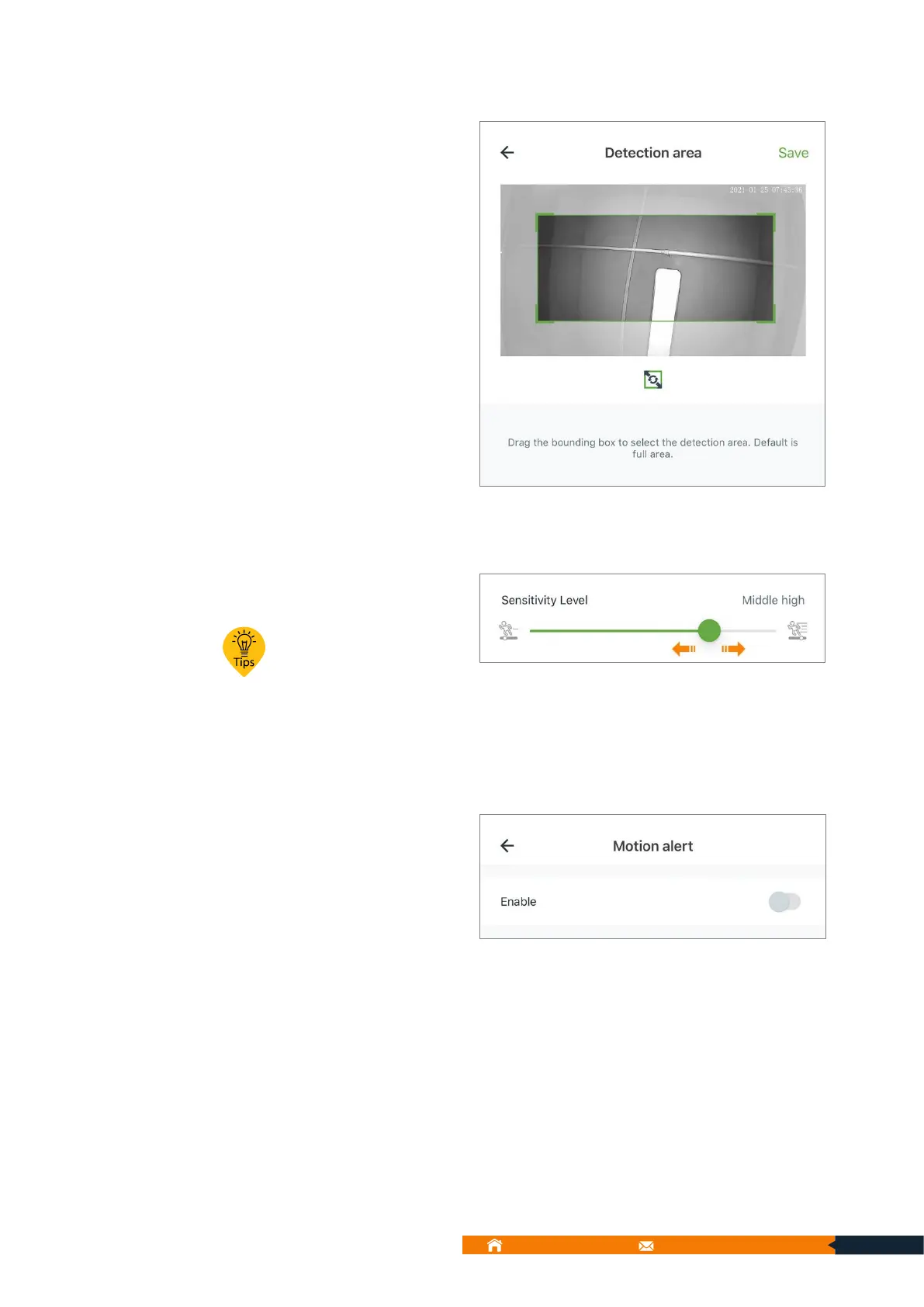
Drag the bounding box to select
the detection area. Default is full
area.
9.5.7.2. Sensitivity Level
You can adjust the Sensitivity Level
here.
Drag ● to set the
sensitivity level.
If you enable motion alert. The
camera will trigger the alarm when
there is any activity. And you can
set the alarm time. For example,
all-day schedule, or at most 2
customizes schedule time within
24 hours.
CAUTION: If you would like to enable motion alert, please turn it on and you have to make
your alert schedule.
9.5.8.1. Schedule Mode 1: 24H
You can set Schedule Mode to 24H here.



 To Next Page