www.faleemi.com support@faleemi.com
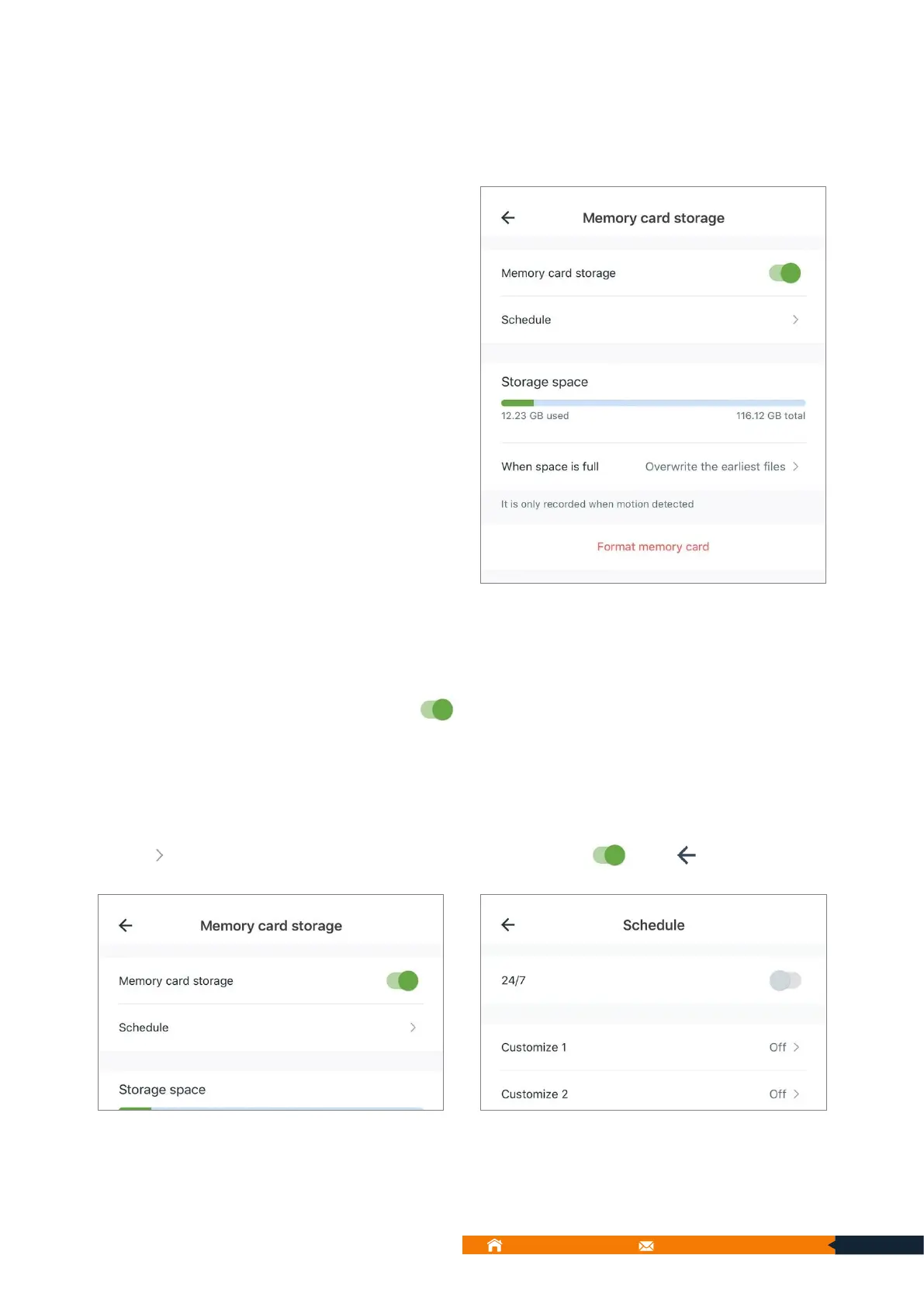
9.5.9. Memory card storage
You can insert a SD card (8GB-
128GB) in the camera. If you
enable Motion alert, it will save
alarm video on the memory card
when there’s any activity. You can
set schedule memory card
recording time.
9.5.9.1. Enable memory card storage
Enable Memory card storage
9.5.9.2. Schedule Mode 1: 24H
You can set Schedule Mode to 24H here
3. Motion alert is on when you enable it.



 To Next Page