www.faleemi.com support@faleemi.com
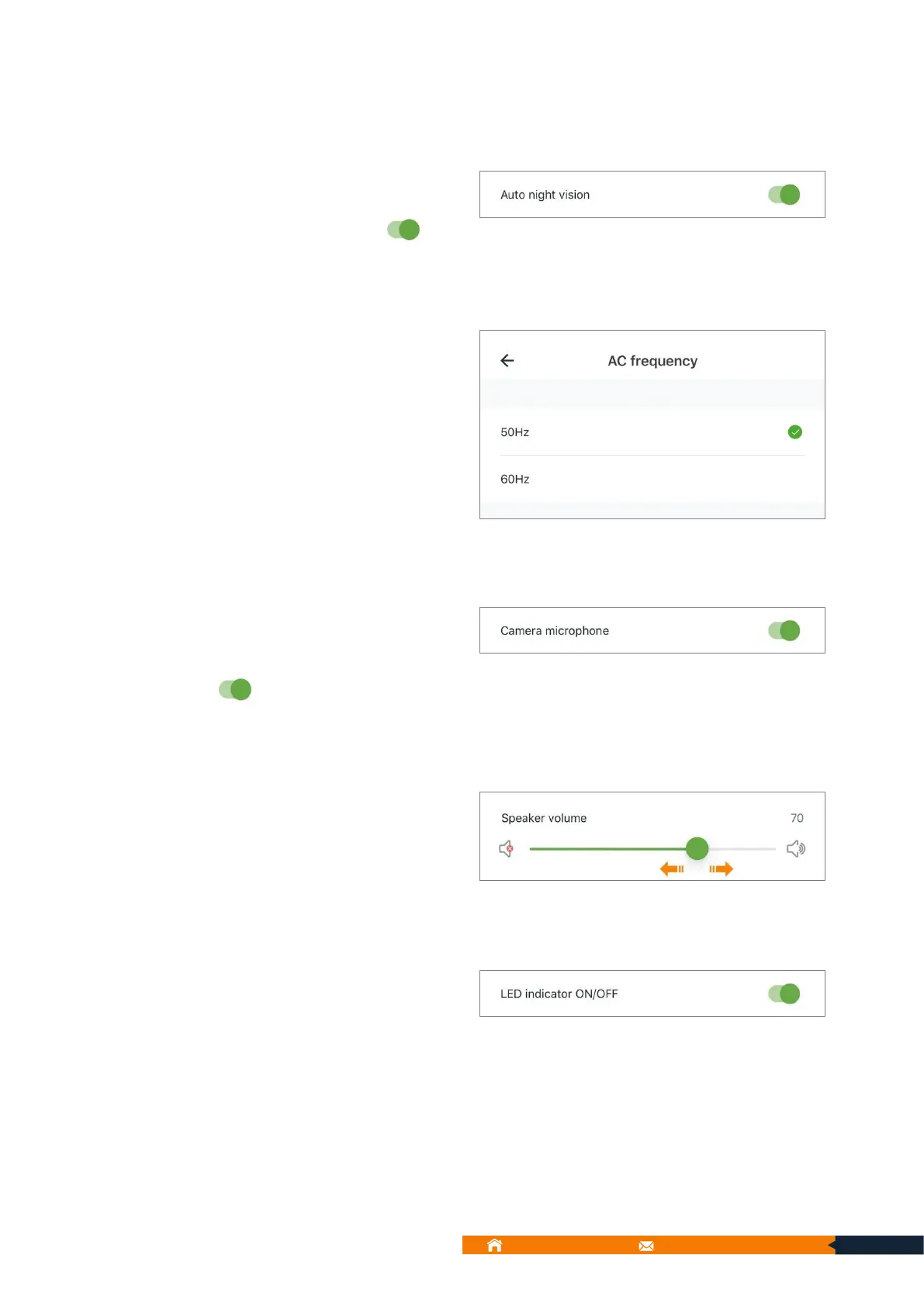
9.5.4.2. Auto night vision:
If the camera night vision is not
working. Check to ensure the Auto
Night Vision is enabled .
Default AC frequency is 50 or
60Hz. (Adaptive in different
regions)
9.5.4.4. Camera microphone:
If the camera microphone is not
working, check to make sure the
Camera microphone is enabled
.
You can adjust the speaker volume
here.
9.5.4.6. LED indicator ON/OFF:
You can turn off the LED indicator
here if you need.
Note:
1. This is not a night vision infrared light around the lens.
2. Even if it is turned off, it will still illuminate to indicate states during the camera's startup
process, and will turn off after a short while when the camera is working properly.



 To Next Page