www.faleemi.com support@faleemi.com
13.3.2. Change Password
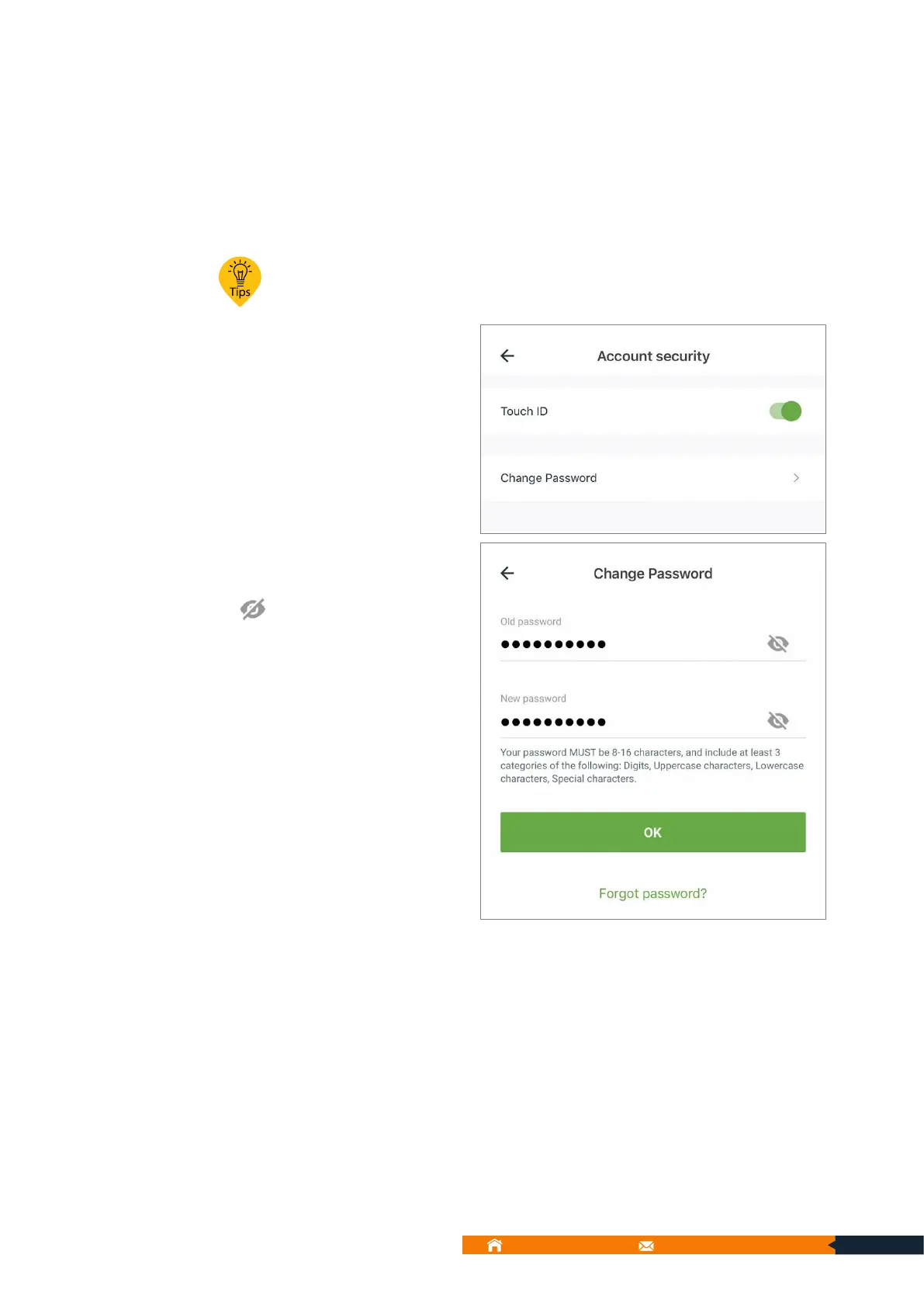
You can change your password here. Please follow below screenshots to do it.
Your password must be 8-16 characters, and include at least 3 categories of
the following: Digits, Uppercase characters, Lowercase characters, Special
characters.
2. Enter your old password
and new password, ( tap
to check and make sure
your password is correct).
Please record your new
password and tap OK.
3. It will jump back to the sign
in page and please use the
new password to login.
13.3.2.1. Forgot password? (To reset your account and password):
If you forget your password, please follow below instruction to reset your password.
(Email)
1. You can find “Forgot password” in sign in page, and tap it



 To Next Page