If you turn on motion alert(Please refer to
Motion alert on page 54 to set motion alert).
It will save 10-sec alarm video on your
Faleemi Cloud App when there is any motion.
You can check the alarm videos of the last two
days here for free.
If cloud service is subscribed, you can check
the recent 7 days, if more than 7 days, please
go to Cloud page to replay the alarm video.
If you see a red dot ● which indicates that
there are new unread alarm events, tap it and
then tap more to view the alarm videos.
Tap Calendar to show highlighted (green dot
● ) date of recording.
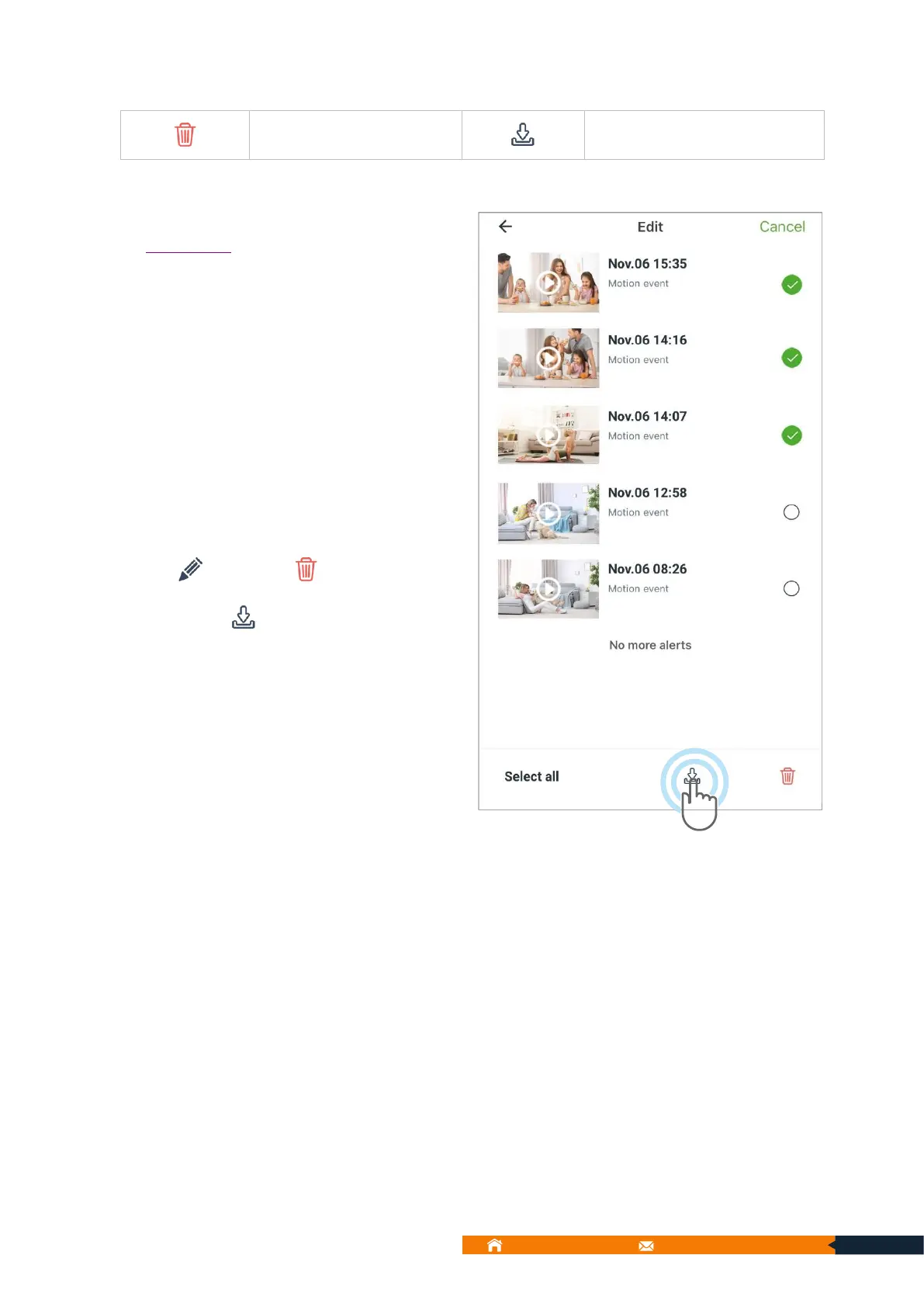
Tap to delete( )the videos or
download( )the videos to local video.
Then you can go to [Me] → [Local Video] to
view them or save them in your mobile album.



 To Next Page