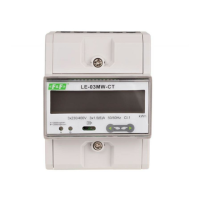
LE-03MQ CT - User manual
11
5.2. Setup parameters
To exit setting-up mode, press
5.2.1. Entry into configuration menu
To enter setup mode, pressing the button for 2 seconds, until the password screen appears.
Settung up is password-protected so you
must enter the correct password (default
"1000") before processing.
Press the button for 2 seconds.
If an incorrect password is entered, the
display will show:
PASS Err
repeatedly until the measurement screen is restored.
5.2.2. RS-485 communication
Setting the communication port parameters.
5.2.2.1. (Slave ID) Address
(Range 001 to 247)
and buttons
to From the set up menu, use
select the address ID.
Press button to enter the selection routine.
The current setting will be flashing.



 To Next Page