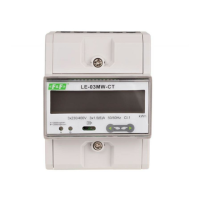
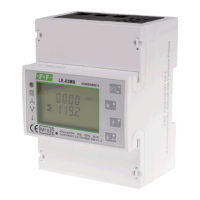
LE-03MQ CT - User manual
21
5.2.10. Change password
Press and
buttons to choose
the change password option.
Press and hold
to enter the change password routine.
The new password screen will appear with the first digit
flashing.
U
se
and
buttons
to
set
the
first
digit and press
to confirm your selection. The next digit will flash.
Repeat the procedure for the remaining
three digits.
After setting the last digit, press and hold
to confirm selection.
PressPress to exit the number setting routine and return to the setup menu. SET will be removed.



 To Next Page
 Loading...