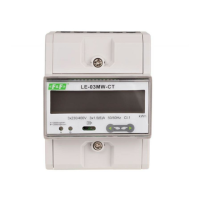
LE-03MQ CT - User manual
14
Use the buttons in the configuration
menu to select the value of the CT.
Secondary current
Hold down to enter the secondary current
setting mode: 5 A/1 A.
Hold down to confirm selection.
For example: for 100/5 A current transformer set the CT2 to 5 and rate to 20.
To get the CT rate you need to divide a primary current value by the value
of the secondary current (100/5 = 20).
WARNING!
Use and
buttons to
choose stop bits
:
2 or 1.
NOTE: Default value is 1. Only in case parity
set up NONE, to change stop bits to 2.
Press to confirm the selection.
Press to return to the main set up menu.
5.2.3. Current transformers
Setting currents values of the connected transformers.
CT rate
Press to display the rate setting screen.
Range of 0001 to 9999.
Hold down to confirm selection.
The settings for the current ratio (CT2 and CT rate) and voltage ratio (PT2 and
PT rate) can only be made once. It is a legal requirement of the MID Directive.
Once set the rate cannot be changed.



 To Next Page