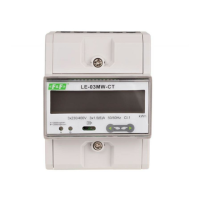
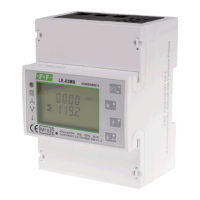
LE-03MQ CT - User manual
20
Use and
buttons to select the required
system option:
1P2(W), 3P3(W), 3P4(W).
Press to confirm selection.
SET indicator will appear.
Press to exit the system selection routine and return to the menu. SET will disappear
and you will be returned to the main set up menu.
5.2.9. CLR
The meter provides a function to reset the maximum demand value of current and power.
From the setup menu, use and
buttons to select the reset option.
PressPress to enter the selection rout
The MD will flash.
Pr
essess
to confirm selection.
PressPress to return to the main set up menu.



 To Next Page