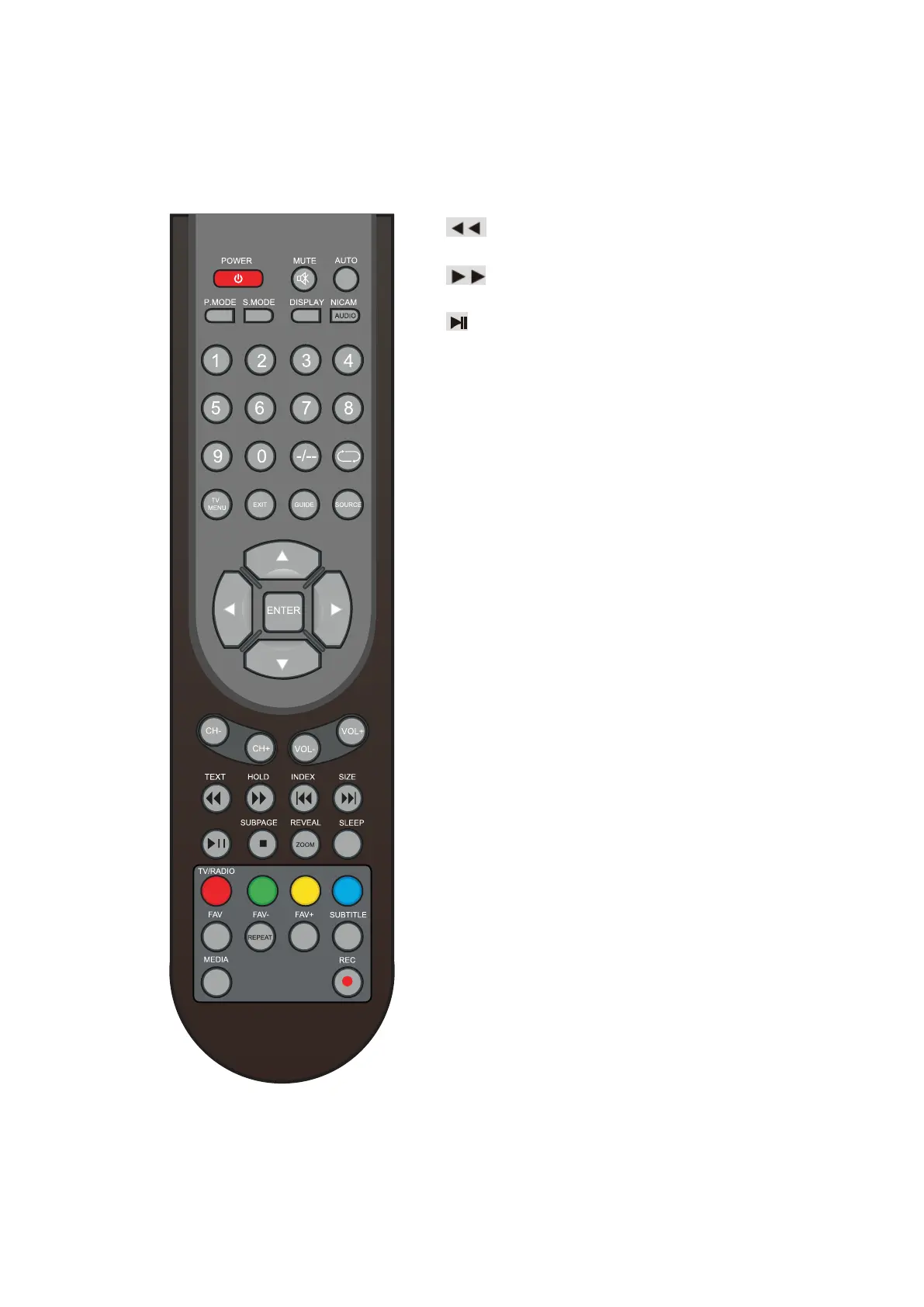
Remote Control Instructions in DTV mode
Playing backward fast in time
shift mode.
Playing forward fast in time
shift mode.
(Time
shift)
Press to perform the Time
shift function.
NOTE:
Select Time Shifting Mode
”off”
in
the menu,
then the
”teletext”
can be
available.
■
Press to stop recording.
ZOOM
Zoom can change display size.
Color button
Color button
(respectively red,
green,
yellow
and blue)used in a few sub-menus.
TV/RADIO
When watching a channel,
allows you
to
switch between TV and Radio modes.
FAV
Displays the selected favorite programmes.
FAV-
Displays the selected favorite
programme
down on the list.
FAV+
Displays the selected favorite
programme up
on the list.
SUBTITLE
In DTV mode,
press to select alternate
subtitle languages during view/playback of a
DTV program.
●
Record button.
- 12 -



 To Next Page