7.
SELECT INPUT SOURCE
TV OPERATION AND SYSTEM SETUP
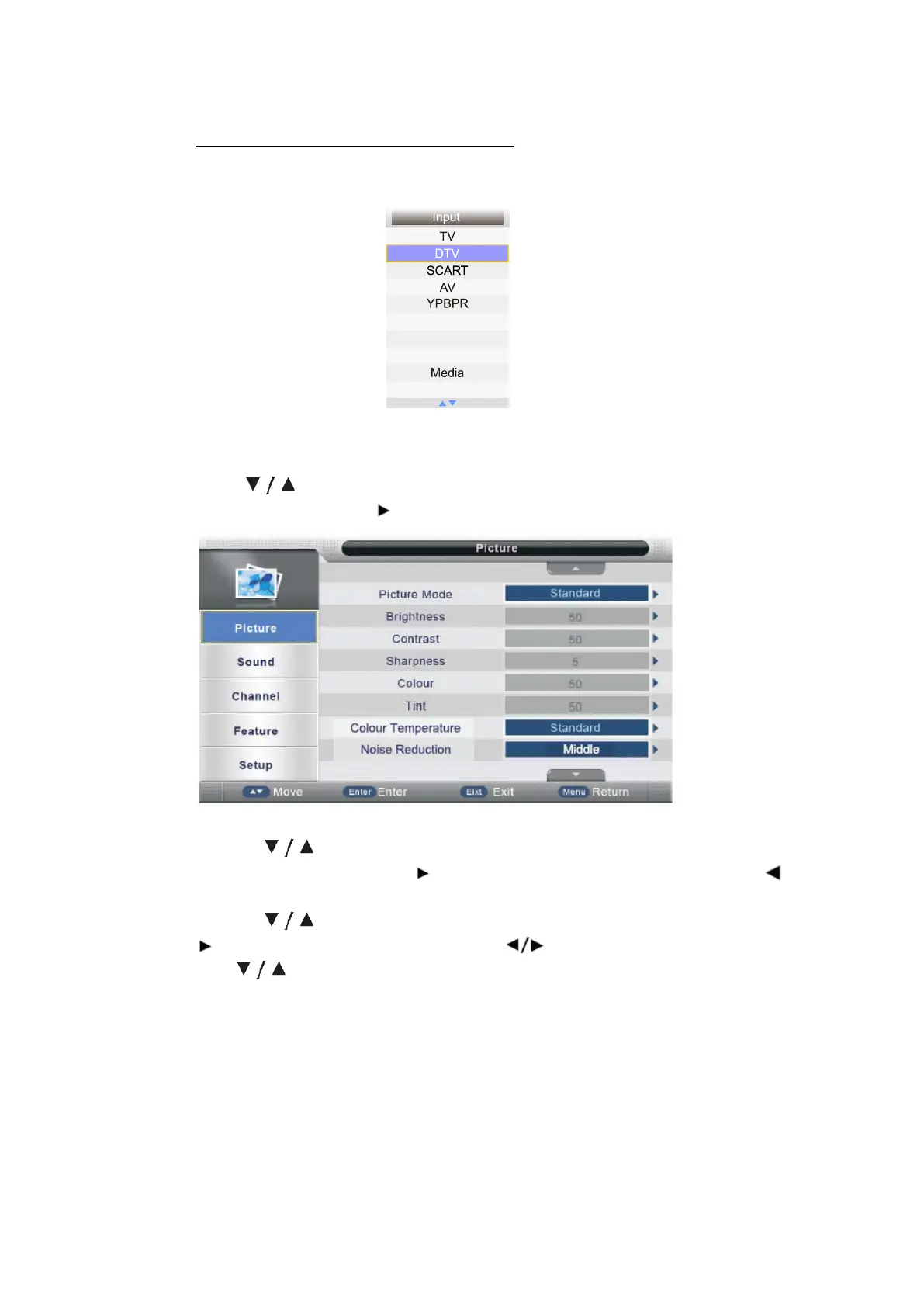
Press source buon to display the input source list;
Press buon to select the input source you want to watch;
Press ENTER buon or buon to enter the input source;
●Press MENU buon to display the MAIN OSD MENU;
●Press buon to select the MENU you want;
●Press ENTER buon or buon enter the sub menu, and press
buon to return back to the previous menu;
●Press buon to select the opon and then press ENTER buon or
buon to enter the submenu, press buon to adjust the value or
press buon to select in the sub menu;
●You can press MENU buon to save and return back to the previous menu,
and press EXIT buon to exit the enre menu.
- 15 -
HDMI1
HDMI2
HDMI3



 To Next Page