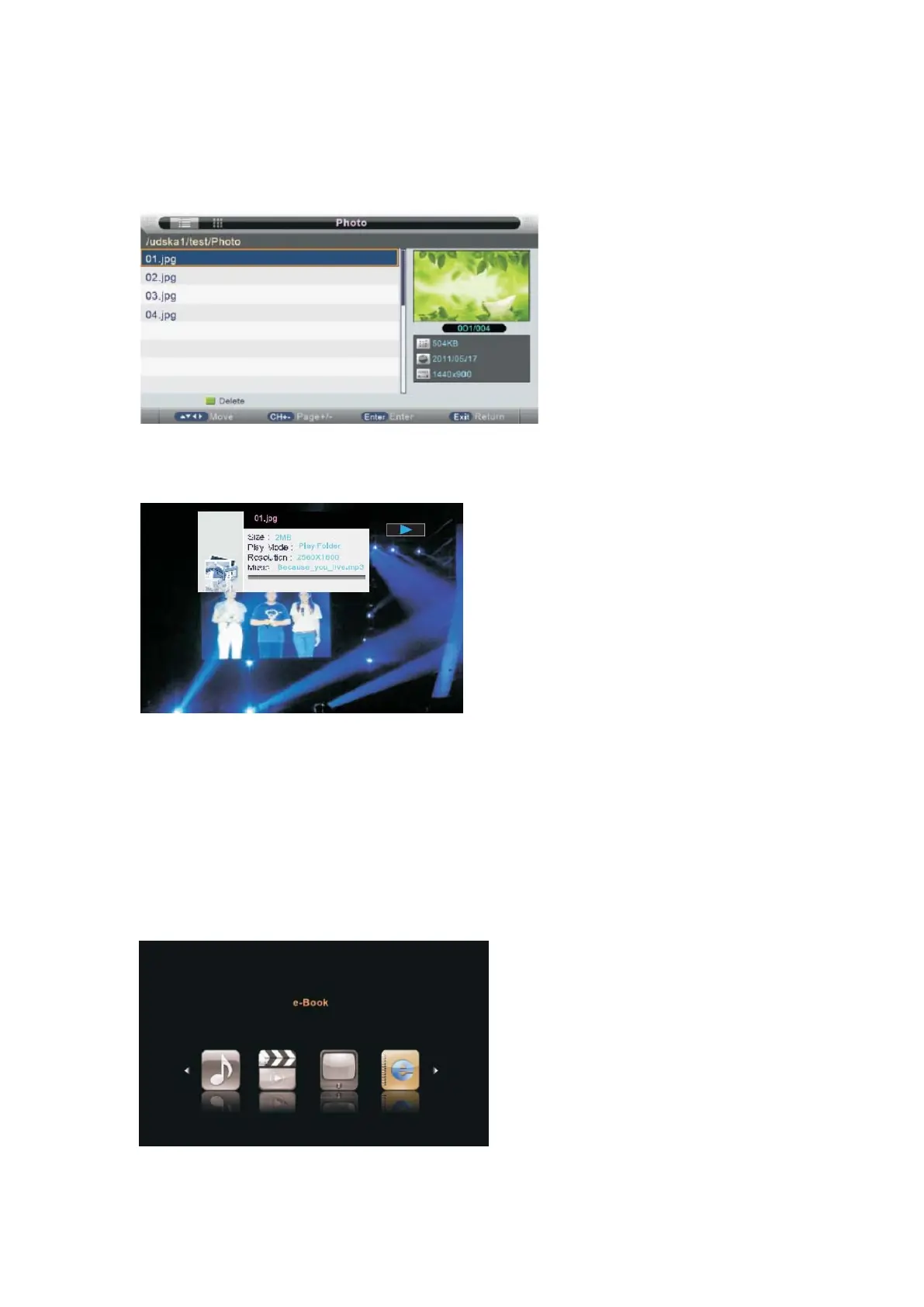
Photo Manager
Press ◄/►button to select Photo manager in the main menu, then press ▼ button to enter.
Press EXIT button to return back to the previous menu.
Press YELLOW button show the picture in thumbnails sketch.
Press ▲/▼to sel ect the p hotos, press ENTER or ►║button or ► button to view.
You can see the information of the current playing photo after press INFO button, then press
►║button to play or pause, you can see the playing state in the right.Then press ▲/ ▼o r ◄/►
button to ratite the picture.then press RED button to zoom the picture.
Notes: Other menu and description are the same as that for Movie menu.
EBook
Press ◄/►button to select Music in the main menu, and then press ENTER button to enter.
Press EXIT button to return back to the previous menu.
Press ▲/▼ to select the file, press ENTER or ►║ button or ► button to read.
- 42 -



 To Next Page