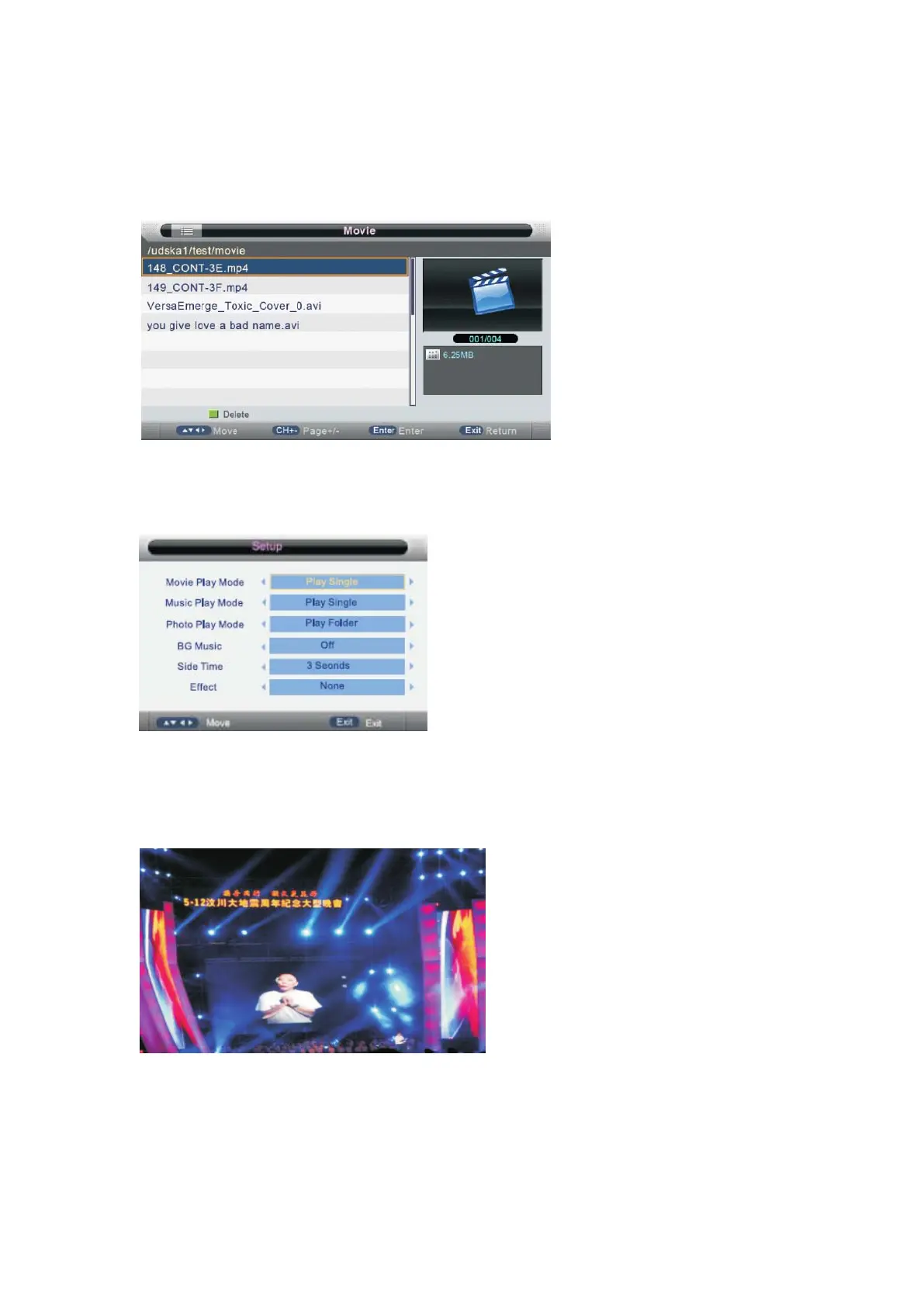
Movie Menu
Press ◄/►button to select Movie in the main menu, then press ENTER button to enter.
Press EXIT button to return back to the previous menu.
Press ▲/▼b utton to sel ect the fold er th at you w ant to view .
Press ENTER button or ► button to select the sub folder.
Press RED button to open setup menu,you can set the play mode as follow:
Press ENTER button or ►║ button to play,
Press ■ button or EXIT button to stop playing.
Press the ◄ button to return back to previous page.
You can see the information of the current playing media at the first flew second or after
press INFO button.
Press GREEN button to select the speech play menu in the button you want to run,
- 40 -



 To Next Page