HDMI Setup
Press ▲/▼ button to select HDMI Setup, then press ENTER or ► button to enter and press
◄/► button to select Over-scan or Under-scan AUTO.
Notes:
1. Other menu and description are the same as that for TV source.
2. HDMI source’s channel menu is not available, and it will be shown in gray.
3. Picture menu and description are the same as that for TV source.
4. Sound menu and description are the same as that for TV source.
5. Feature menu and description are the same as that for TV source.
MEDIA OPERATION
Note: Before operation MEDIA menu, Plug in USB device or memory card, then press
SOURCE button to set the Source to Media.
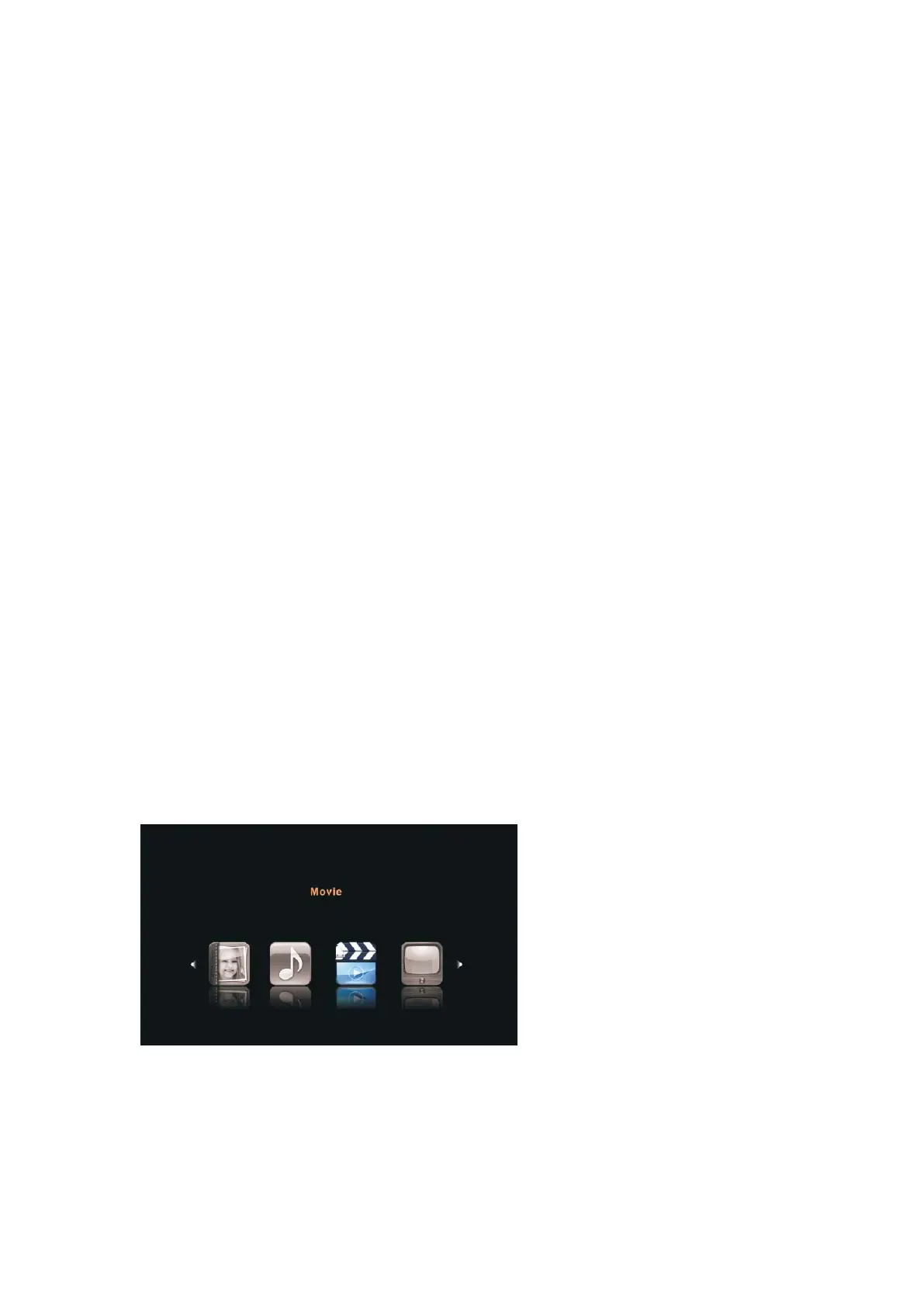
Press ▲/▼ button to select MEDIA in the Source Menu, and then press ENTER or ► to
enter. You can also enter the Media by pressing MEDIA button on the remote control.
1. Press ▲/▼ button to select the option that you want to adjust in the Media menu, then
press ENTER or ► button to enter.
2. Press ◄/►button to adjust or press ▲/▼b utton to sel ect.
3. After finishing your adjustment, press MENU button to save and return back to the
previous menu and press EXIT button to exit the entire menu.
- 39 -



 To Next Page