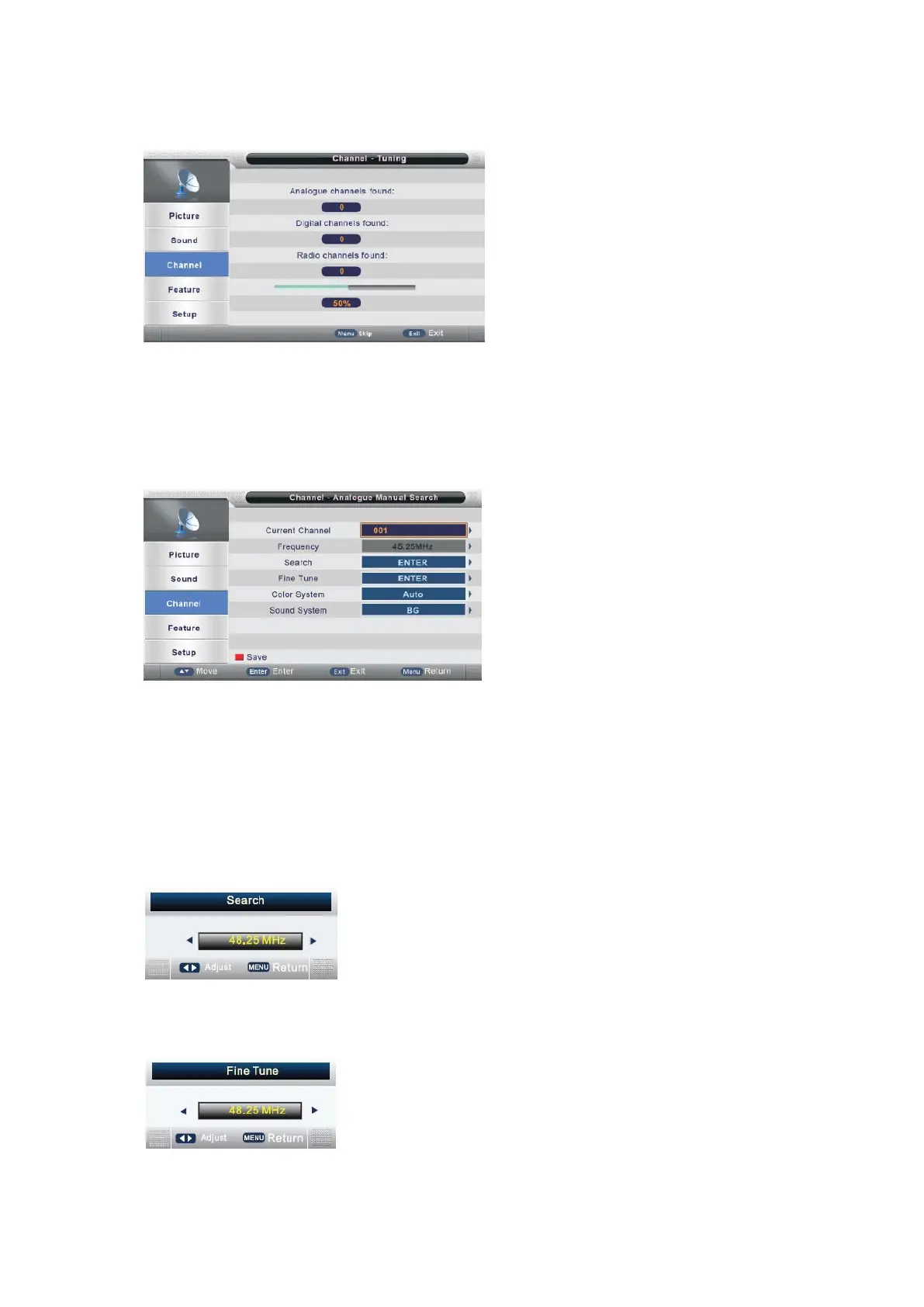
appear as follows:
When auto search finishes, the save successful menu will appear within a few
seconds.
Analog Manual Search
Press ▲/▼ button to select Analog Manual Search, then press ENTER or ► button
to enter (When the System Lock is on, please input the default password “0000”).
Current Channel
Press ENTER or ► button to enter, then Press ▲/▼ button to select Current
Channel.
Press ▲/▼ button to select Current Channel, then press ENTER or ► button to
select.
Search
Press ▲/▼ button to select Search, then press ENTER or ► button to enter, the
menu will appear as follows and then press ◄/►to scan the channel.
Fine Tune
Press ▲/▼ button to select Fine Tune, then press ENTER or ► button to enter, the
menu will appear as follows:
press ◄/►to button shortly to adjust program frequency, press MENU button to
- 22 -



 To Next Page