Hearing Impaired
Press ▲/▼ button to select Hearing Impaired. Press ENTER button or ► button to enter the sub
menu, then press ENTER button or ▲/▼ button to select On or Off, then press ENTER button or
► button to confirm.
CI Info
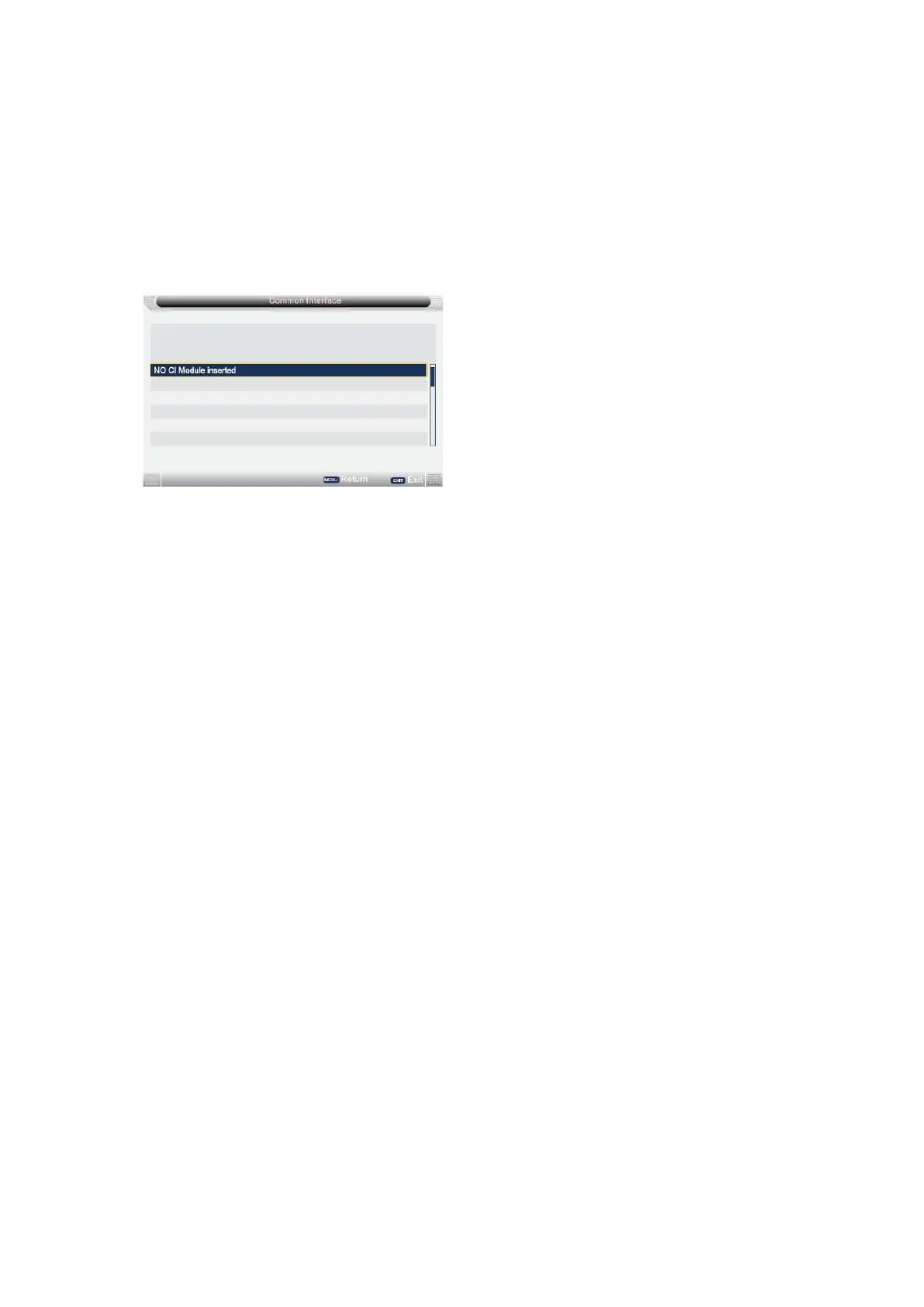
Press ▲/▼ button to select CI Info, then press ENTER button or ► button to enter. CI Info
menu will appear as follows:
Notes: 1.This is just an example for reference, different CI module will have different CI menu.
2. Other menus and descriptions are the same as that for TV source.
- 32 -



 To Next Page