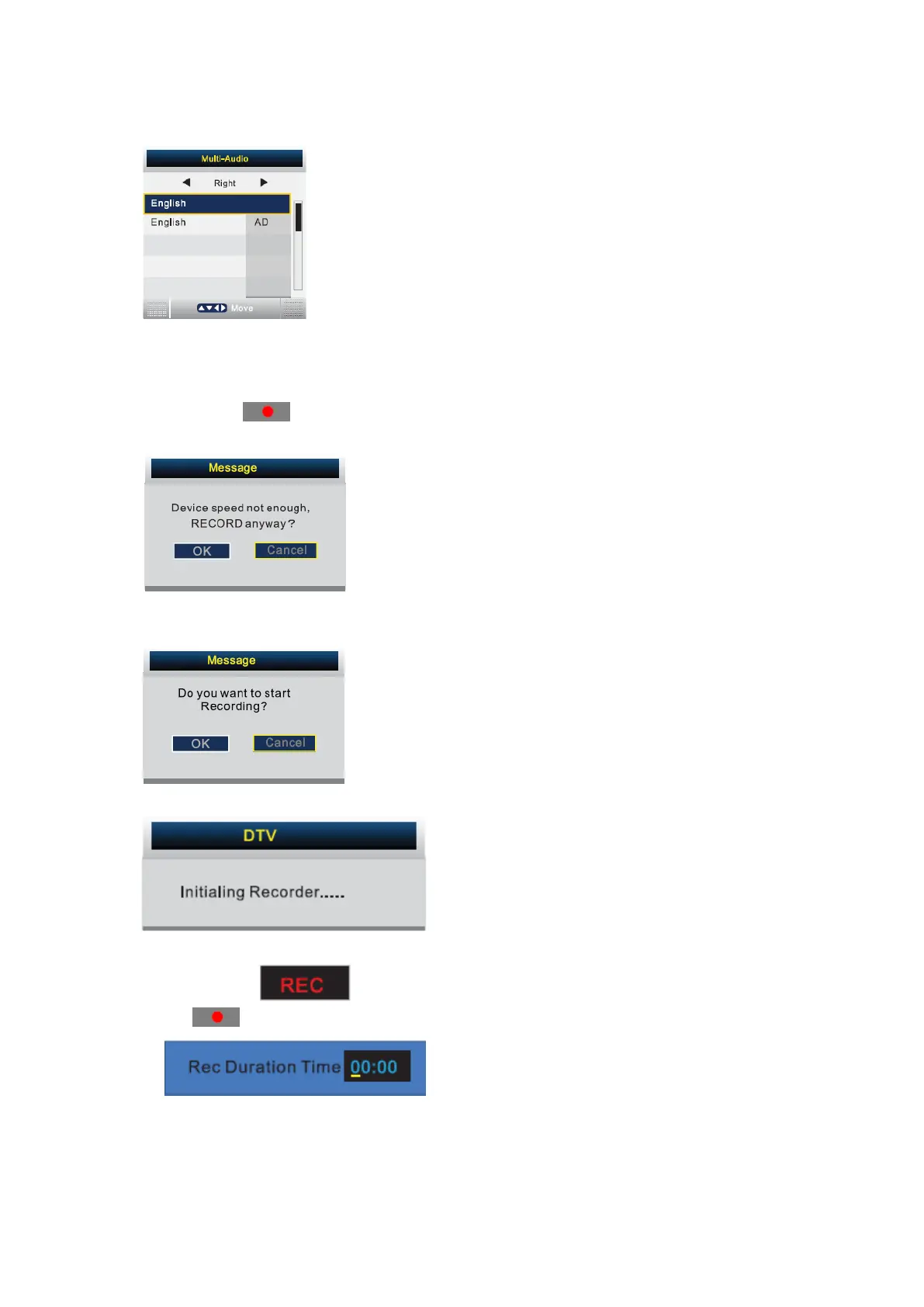
Press AUDIO button on the remote control to display the multi-audio menu.
Press ◄/► button to select the audio format of the language, (available audio format: right,
stereo, left).
Press ▲/▼ button to select different language.
You can press
on the remote control under the DTV Source.
If your device speed is not enough, there will be a dialog as follows:
You should better change to a high speed device or select “OK” to continue.
Press ■ on the remote control again to start record; there will be a dialog as follow:
Select “Yes” to start recording. You’ll see the dialog:
During Recording, there will be a small dialog on the left:
Press
on the remote control again to set the Recorder duration time.
Press ■ on the remote control to stop recording.
- 35 -



 To Next Page