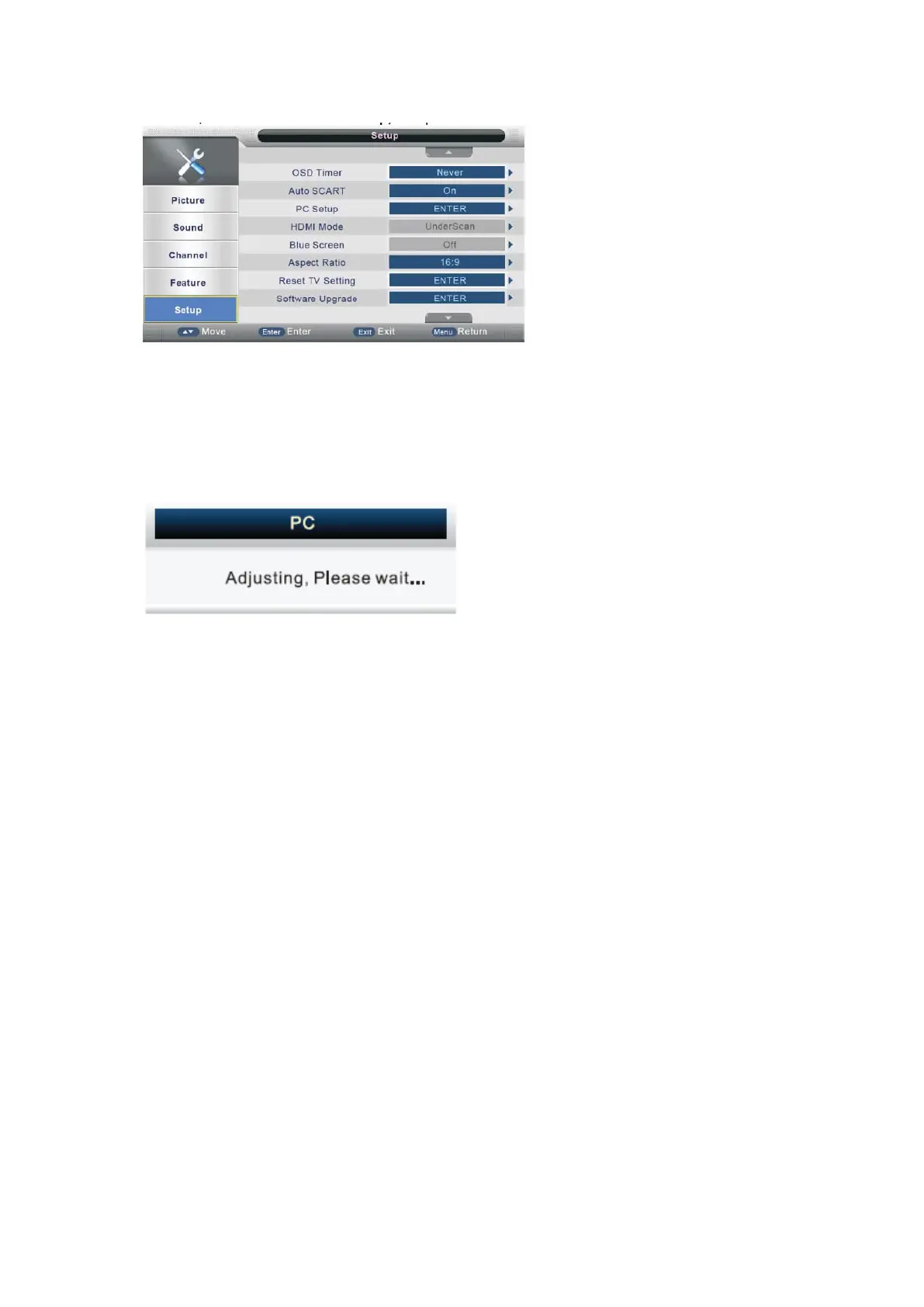
Auto Adjust
Press ▲/▼ button to select Auto Adjust, and then press ENTER or ► button, the
menu will appear.
H Position
Press ▲/▼ button to select H Position, and then press ENTER or ► to enter, press ◄
/► to adjust the picture horizontally.
V Position
Press ▲/▼ button to select V Position, and then press ENTER or ► to enter, press ◄
/► to adjust the picture vertically.
Phase
Press ▲/▼ button to select Phase, and then press ENTER or ► to enter, press ◄/►
to
adjust the picture phase.
Clock
Press ▲/▼ button to select Clock, and then press ENTER or ► to enter, press ◄/► to
- 37 -



 To Next Page