FANTEC TV-LHD
31
9
9
.
.
M
M
a
a
i
i
n
n
M
M
e
e
n
n
u
u
S
S
c
c
r
r
e
e
e
e
n
n
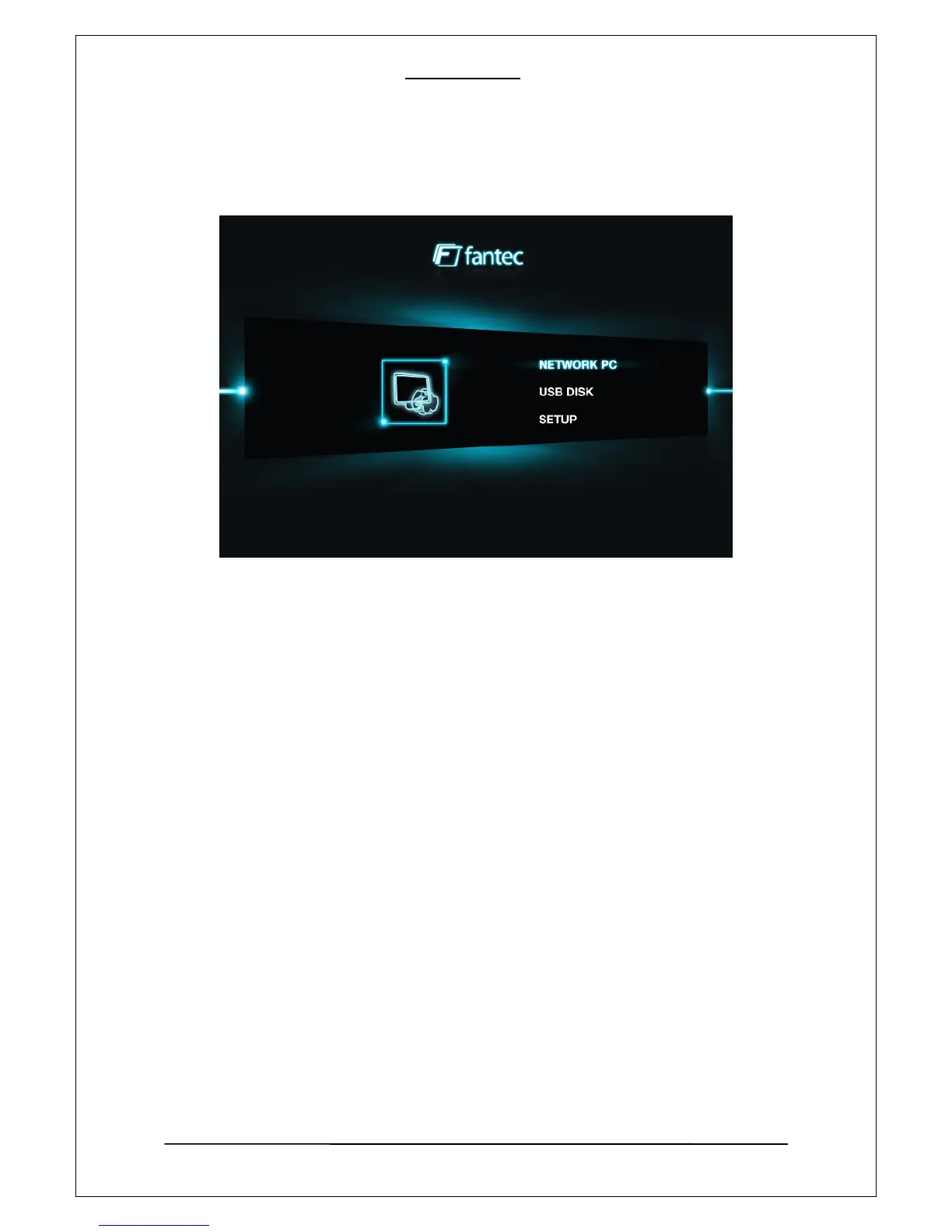
Icons and Screen Components
1. Network PC
If you select this option, the player will search and display all available PCs, that have shared folder(s) in
your local area network. See [Network- based Data Sharing] for more detail about data sharing setting.
2. USB Disk
If you select the option of USB Disk Selection, the player will search and display USB devices that are
connected via the backside USB HOST port. You can play media files from an eternal HDD, optical drives,
pen drive, etc.
NOTE: If you have to install hardware drivers for the devices under your operating system (OS), the
compatibility between FANTEC TV-LHD and USB device can not be garantueed.
3. SETUP
You can setup video output, proper language, subtitles, slide effect, LAN etc. decribed under point
no. 8 “Setup Menu”.



 To Next Page