FANTEC TV-LHD
34
1
1
2
2
.
.
P
P
h
h
o
o
t
t
o
o
P
P
l
l
a
a
y
y
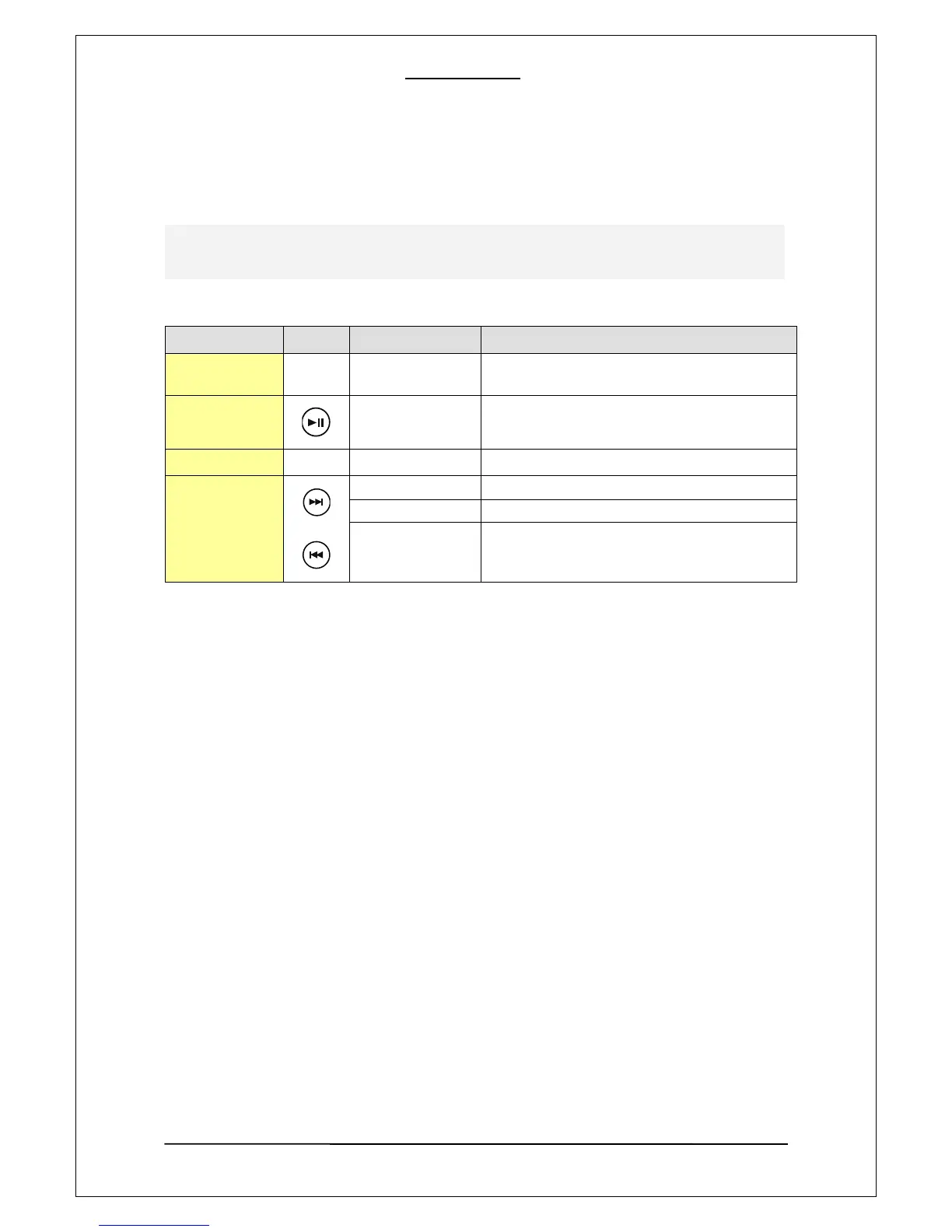
Buttons and Function for photo playback
Remote Button Function Description
OK
Playing a selected
file
Play a selected file.
PLAY
Start/Pause Starts or pause the playback.
STOP
Stop Stop the current playback.
SKIP
Prev. Folder To move to a upper-lever folder on a file lst.
Next/Prev. File Jumps to a next file during playback.
Next/Prev. Page
When used on a file list screen, it jumps
forward/ backward to different pages.
JPG files can be played. The Player also provides a slideshow function. The display duration or each
picture can be set in the SETUP menu.



 To Next Page