EasyManua.ls Logo

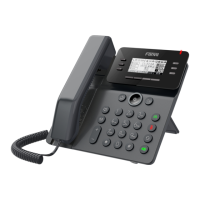
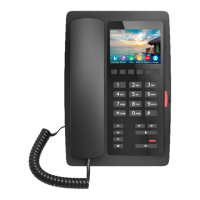
Fanvil V62 - Fanvil V62 Key Features; DSS and Voice Message Keys; Soft Keys and Indicators; Navigation and Control Keys

Fanvil V62
5 pages
Print Icon
To Next Page IconTo Next Page
To Previous Page IconTo Previous Page
Loading...
Screen icon
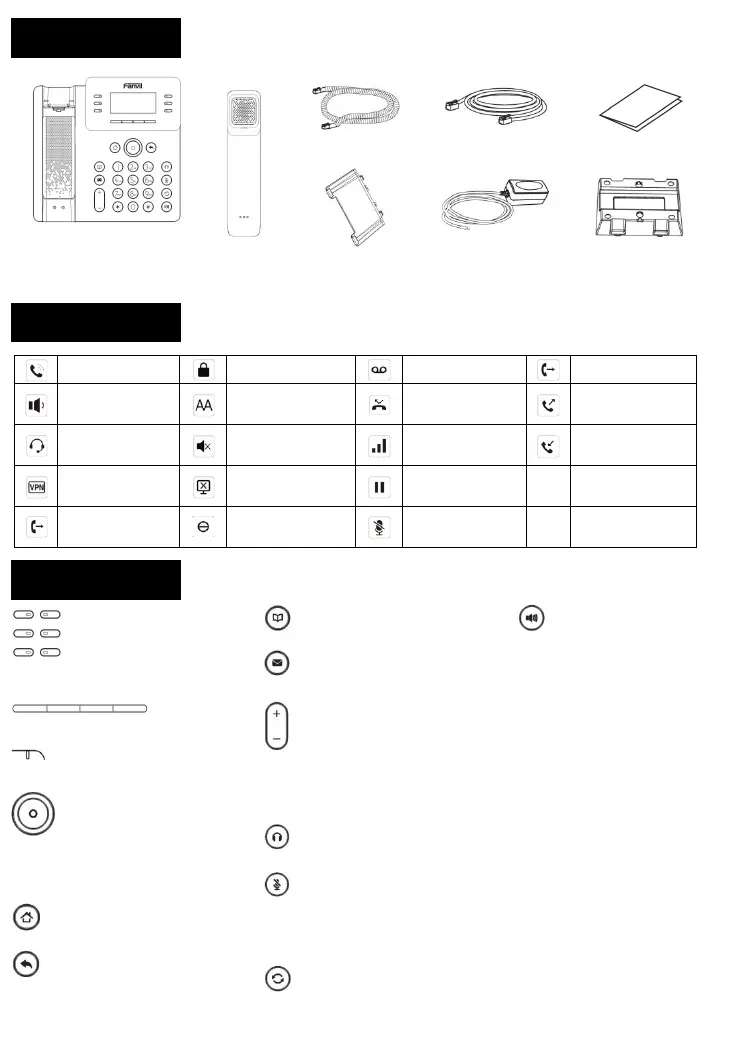
Keys features
DSS Keys, It can be set as line
key/function key/speed dial key, etc.
Soft keys
Message waiting indicator
Left and right navigation keys
Up navigation key, Shortcut to call log
Down navigation key, Shortcut to Status
OK key, Shortcut to Menu
Home key, go back to Homepage
Return key, go back to the previous
directory
Phonebook key
Voice message key
In idle mode or during ringing: increase or
decrease ringer volume
In communication: increase or decrease
handset, headset or hands-free volume
Headset key, activate/deactivate headset
In idle mode: activate/deactivate silent
mode
In communication mode: mute/un-mute a
call
Redial key, access to redial the last record

Hand-free key, activate/deactivate hands
free
Handset Cord
Ethernet Cable
Quick Installation Guide
Handset
Stand
Power Adapter
(Optional)
Wall Stand
(Buy separately)
In handset mode
Keypad locked
New VM messages
Forward call(s)
In hands-free mode
Auto-answering
activated
Missed call
Dialed call(s)
In headset mode
Auto-answering
activated
Voice quality level of
call
Received call(s)
VPN activated
Internet is
disconnected
Call is on hold
Call forward
activated
Do not disturb
activated
Mute activated
Packaging list

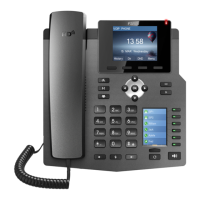
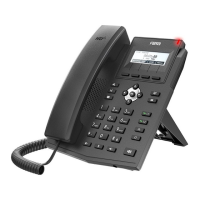
Related product manuals