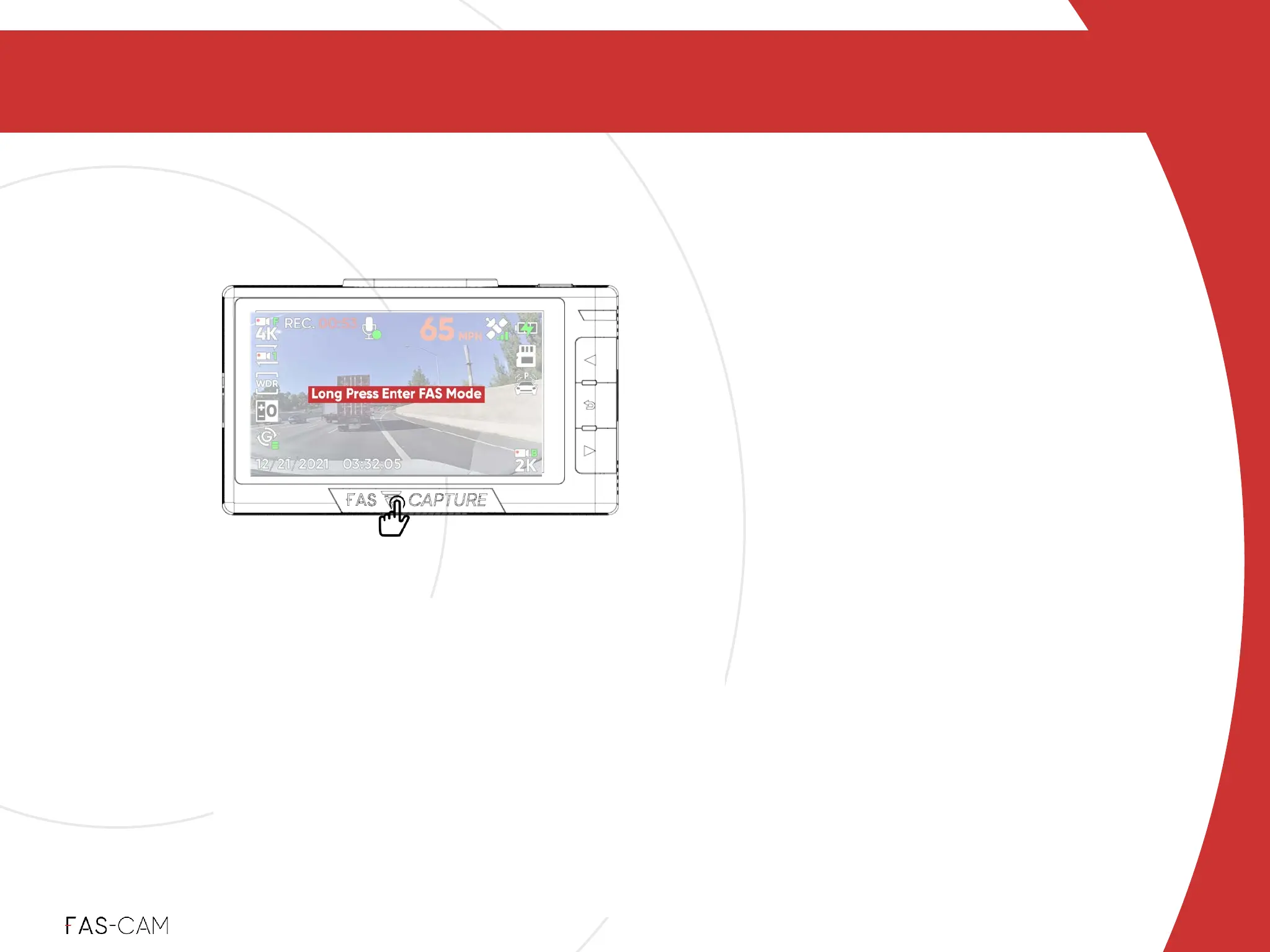
5. FAS-CAPTURE / FAS-MODE
To use: Press FAS-CAPTURE once to screenshot and
protect your current recording. Users will hear a camera
shutter sound.!
Files being protected:"Screenshot photo during click &
protect the previous, current, and next loop recording
clips.%
Protected Videos will be under!
Menu"▶"Files"▶"Protected!
Screenshot Photos will be under!
Menu"▶"Files"▶"Photos
Press once
FAS-CAPTURE / FAS-MODE
5.1 FAS-CAPTURE
5
‣
Power: ON!
‣
Recording: RED - ON
(while recording during
protected mode)
FAS-CAPTURE
Instant
FAS-CAPTURE will capture your desired
image in place so you don't need to rewind
your videos to search for important info. It
protects and locks previous, current, and
next loop recording clips from being
accidentally overwritten.
Indicator Light



 To Next Page