‣
Power: ON
‣
Recording:
OFF
‣
This can also be set at Chapter “7.1.1
Presets and Audio Recording”
‣
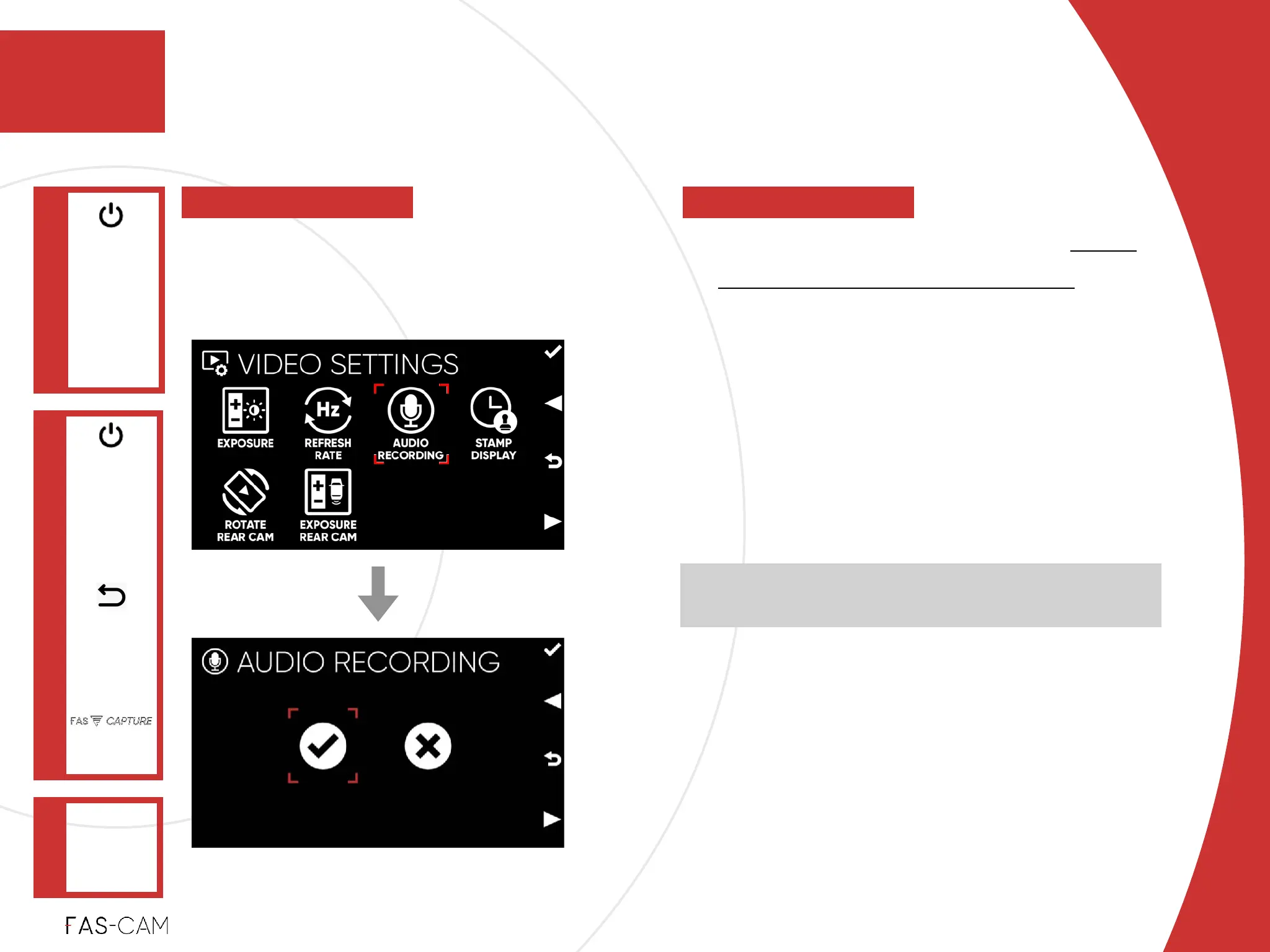
ON!
Record video with audio recording!
‣
OFF!
record video without audio!
‣
Default Setting!
The default option is Automatically set
based on user’s location.
Settings
‣
7.2.3 Audio Recording
VIDEO
SETTINGS
Main Menu
"▶
7.2 Video Settings
7
7. Settings
AUDIO
RECORDING
"▶
To control the audio recording when
recording video(s).
Please follow your local laws and regulations regarding
the use of dash cam audio recording



 To Next Page